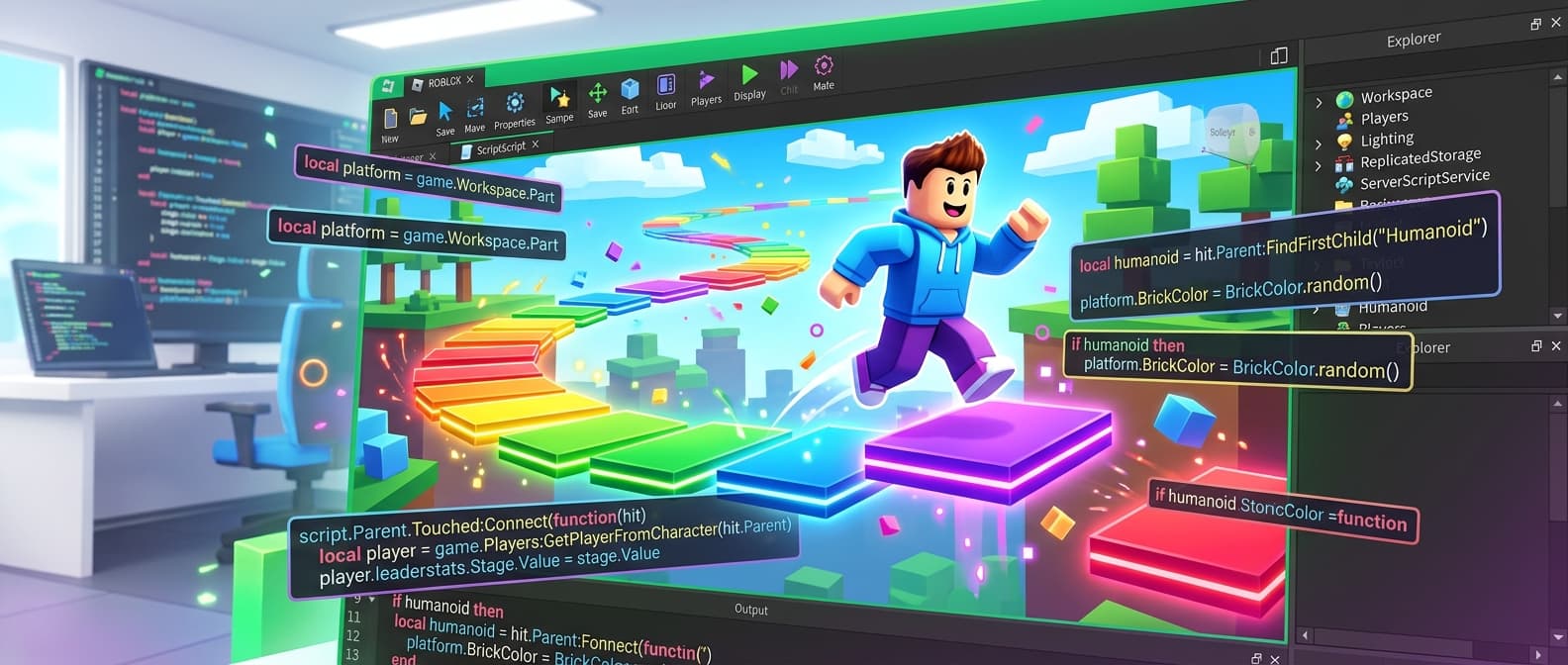
How to Build Roblox Games with AI: Luau, DataStores & UI Guide
Step-by-step guide to creating Roblox experiences with AI. Covers Luau scripting, Services, RemoteEvents, DataStores, GUI design, and building obbies, tycoons, and simulators.
Roblox has 3.5 million active developers and paid creators over $1.5 billion in 2025. Whether you're building your first obby or your tenth simulator, understanding the platform architecture is key to shipping fast.
This guide covers everything you need to know about Roblox development - from Luau basics to DataStore persistence - and shows how AI tools can generate working game code in seconds.
What you'll learn: Roblox service architecture, Luau typed scripting, client-server communication, DataStore saving, GUI design, and how to build games like obbies, tycoons, and simulators with AI.
Roblox Architecture: Where Scripts Live
Roblox uses a service-based architecture. Every script goes in a specific location that determines when and where it runs:
Game
  ServerScriptService/     -- server-only (trusted)
    GameManager.luau
  ReplicatedStorage/       -- shared modules (client + server)
    Config.luau
    RemoteEvents
  StarterPlayerScripts/    -- client scripts (per player)
    GameClient.luau
  StarterGui/              -- UI scripts + ScreenGuis
    GameUI.luau
  ServerStorage/           -- server-only assets
  Workspace/               -- the 3D world
Key concept: ServerScriptService is trusted (players can't see or modify it). StarterPlayerScripts runs on the player's device (can be exploited). Always validate on the server.
Luau: Modern Typed Lua
Roblox uses Luau - a typed superset of Lua 5.1 with performance improvements. Key differences from standard Lua:
-- Type annotations
local playerName: string = "Hero"
local health: number = 100
local isAlive: boolean = true
local inventory: {string} = {"sword", "shield"}

-- Typed functions
local function dealDamage(target: Model, amount: number): boolean
    local humanoid = target:FindFirstChild("Humanoid") :: Humanoid?
    if not humanoid then return false end
    humanoid.Health -= amount
    return true
end

-- Modern APIs (ALWAYS use these, not deprecated ones)
task.wait(1)       -- NOT wait(1)
task.spawn(fn)     -- NOT spawn(fn)
task.delay(2, fn)  -- NOT delay(2, fn)
Services: Your Building Blocks
Roblox provides dozens of services. Here are the essential ones:
local Players = game:GetService("Players")
local ReplicatedStorage = game:GetService("ReplicatedStorage")
local ServerScriptService = game:GetService("ServerScriptService")
local DataStoreService = game:GetService("DataStoreService")
local RunService = game:GetService("RunService")
local UserInputService = game:GetService("UserInputService")
local TweenService = game:GetService("TweenService")
Client-Server Communication
Roblox uses RemoteEvents for communication between client and server:
-- Create a RemoteEvent in ReplicatedStorage (do this in Studio or via script)

-- SERVER: listen for client requests
local buyEvent = ReplicatedStorage:WaitForChild("BuyItem")
buyEvent.OnServerEvent:Connect(function(player: Player, itemId: string)
    -- Validate: does player have enough money?
    local data = playerData[player.UserId]
    local price = Config.Items[itemId].price

    if data.cash >= price then
        data.cash -= price
        table.insert(data.inventory, itemId)
        -- Tell client it worked
        buyEvent:FireClient(player, true, itemId)
    else
        buyEvent:FireClient(player, false, "Not enough cash")
    end
end)

-- CLIENT: send purchase request
local buyEvent = ReplicatedStorage:WaitForChild("BuyItem")
buyEvent:FireServer("sword_01")

-- CLIENT: listen for response
buyEvent.OnClientEvent:Connect(function(success: boolean, result: string)
    if success then
        print("Bought: " .. result)
    else
        print("Failed: " .. result)
    end
end)
DataStore: Saving Player Progress
Roblox has built-in persistence through DataStoreService. Always wrap in pcall because DataStore calls can fail:
local DataStoreService = game:GetService("DataStoreService")
local playerStore = DataStoreService:GetDataStore("PlayerData_v1")

-- LOAD on join
Players.PlayerAdded:Connect(function(player: Player)
    local key = tostring(player.UserId)

    local success, data = pcall(function()
        return playerStore:GetAsync(key)
    end)

    if success and data then
        playerData[player.UserId] = data
    else
        -- New player or load failed - use defaults
        playerData[player.UserId] = {
            cash = Config.StartingCash,
            stage = 0,
            inventory = {},
        }
    end

    -- Create leaderboard display
    local leaderstats = Instance.new("Folder")
    leaderstats.Name = "leaderstats"
    leaderstats.Parent = player

    local cashVal = Instance.new("IntValue")
    cashVal.Name = "Cash"
    cashVal.Value = playerData[player.UserId].cash
    cashVal.Parent = leaderstats
end)

-- SAVE on leave
Players.PlayerRemoving:Connect(function(player: Player)
    local data = playerData[player.UserId]
    if data then
        pcall(function()
            playerStore:SetAsync(tostring(player.UserId), data)
        end)
    end
end)

-- SAVE on shutdown
game:BindToClose(function()
    for userId, data in playerData do
        pcall(function()
            playerStore:SetAsync(tostring(userId), data)
        end)
    end
end)
Building a GUI
Roblox UIs use ScreenGui with Frames, TextLabels, TextButtons, and layout components:
-- Create UI from script (StarterGui/)
local screenGui = Instance.new("ScreenGui")
screenGui.Name = "GameUI"
screenGui.ResetOnSpawn = false
screenGui.Parent = player:WaitForChild("PlayerGui")

-- Cash display
local cashFrame = Instance.new("Frame")
cashFrame.Size = UDim2.new(0, 200, 0, 50)
cashFrame.Position = UDim2.new(1, -220, 0, 20)
cashFrame.BackgroundColor3 = Color3.fromRGB(30, 30, 40)
cashFrame.BackgroundTransparency = 0.2
cashFrame.Parent = screenGui

local corner = Instance.new("UICorner")
corner.CornerRadius = UDim.new(0, 12)
corner.Parent = cashFrame

local cashLabel = Instance.new("TextLabel")
cashLabel.Size = UDim2.new(1, 0, 1, 0)
cashLabel.Text = "$0"
cashLabel.TextColor3 = Color3.fromRGB(201, 165, 92)  -- gold
cashLabel.TextSize = 24
cashLabel.Font = Enum.Font.GothamBold
cashLabel.BackgroundTransparency = 1
cashLabel.Parent = cashFrame
Use TweenService for smooth animations:
local tween = TweenService:Create(cashLabel, TweenInfo.new(0.3), {
    TextColor3 = Color3.fromRGB(255, 215, 0)  -- flash gold
})
tween:Play()
For a HUD and menu that already match the game's icon and thumbnail, the Roblox Creator Pack generates a 9-slice button, panel and icon set in the same style as the rest of the pack.
Game Types You Can Build
Obby (Obstacle Course)
Checkpoints, timer, stage tracking, kill bricks, leaderboard. The most beginner-friendly game type. Server tracks which stage each player reached, saves with DataStore.
Tycoon
Droppers generate items, conveyor belts move them, upgraders increase value, collectors convert to cash. Rebirth system resets for a permanent multiplier. Button pads for purchasing buildings.
Simulator
Pet simulator, mining simulator, fighting simulator - all share a core loop: perform action, earn currency, buy upgrades, unlock areas. Egg hatching with rarity weights is a popular mechanic.
Combat / Arena
Hitbox detection, combo systems, ability cooldowns, health bars. Uses Touched events or raycasting for hit detection. Server validates all damage.
Generating Roblox Games with AI
With Sprixen's Mod Builder:
- Select Roblox platform
- Choose a template (Obby, Tycoon, Combat, Pet Simulator) or describe your idea
- AI generates all scripts with typed Luau, DataStore persistence, and clean architecture
- Copy scripts into Roblox Studio in the correct service locations
The AI follows modern Roblox patterns: typed variables, task.* APIs, pcall-wrapped DataStore, server-authoritative logic, and clean ModuleScript separation.
Best Practices
- Use typed Luau - type annotations catch bugs early and make code self-documenting
- Server authority - validate all purchases, damage, and progression on the server
- pcall everything - DataStore, HTTP calls, and any external service can fail
- ModuleScripts for config - put all numbers, strings, and settings in ReplicatedStorage
- Clean up on leave - save data on PlayerRemoving AND game:BindToClose
- Auto-save - save every 60 seconds in case the server crashes
- Test in Studio - use Play Solo and local server testing before publishing
Start Building
Roblox development has never been more accessible. AI tools generate the boilerplate so you can focus on what makes your game unique. Try Sprixen's Mod Builder - 6 free credits, no card required. Pick a template, customize it, and publish your first experience today.
Ready to try Sprixen?
Generate consistent, style-locked assets for your game. 6 free credits on signup, no credit card required.
Related Articles
Roblox Studio AI Tools Compared: Assistant, Superbullet, Rebirth, Picoo and External Agents
A decision guide for Roblox creators choosing between Roblox Assistant, specialist builders and external AI agents for Luau, UI, assets and iteration.
How to Generate Game Sprites from Claude Code with MCP (Step by Step)
A complete walkthrough for generating style-consistent game sprites and animations from Claude Code using Sprixen's MCP server, from API key to exported Phaser package.
Introducing Mod Builder: AI-Powered Scripts for FiveM & Roblox
Sprixen now generates production-ready Lua scripts, NUI interfaces, and 3D assets for FiveM and Roblox. Build mods with AI - no coding experience needed.