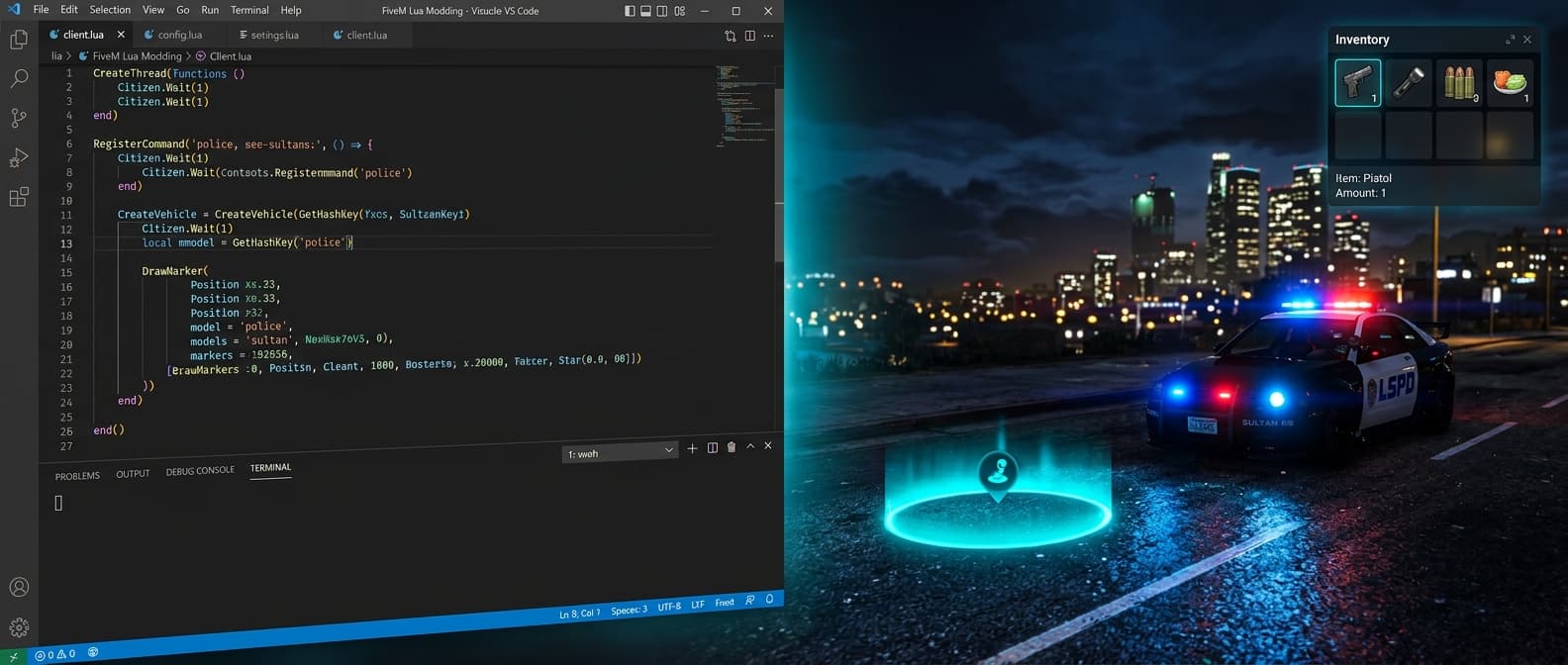
How to Create FiveM Scripts with AI: Lua, NUI & Framework Guide
Step-by-step guide to generating Lua scripts for FiveM servers using AI. Covers resource structure, client/server events, NUI interfaces, QBCore vs ESX, and best practices.
FiveM has over 130,000 concurrent players and 30,000+ active servers - all powered by Lua scripts. Whether you're building a roleplay server, racing league, or survival game, every feature runs on custom resources: job systems, inventories, phone UIs, vehicle shops, police MDTs.
This guide shows you how to create FiveM scripts using AI tools - from understanding the resource structure to generating working code with NUI interfaces.
What you'll learn: FiveM resource anatomy, client/server communication, NUI (HTML overlays), QBCore vs ESX vs Standalone, and how to generate all of it with AI.
FiveM Resource Structure
Every FiveM mod is a "resource" - a self-contained folder that the server loads. A typical resource has:
my-resource/
  fxmanifest.lua    -- manifest (required)
  config.lua        -- shared settings
  client.lua        -- runs on player's PC
  server.lua        -- runs on server
  html/             -- NUI web overlay (optional)
    index.html
    style.css
    app.js
The Manifest (fxmanifest.lua)
Every resource starts with a manifest that declares its files:
fx_version 'cerulean'
game 'gta5'

author 'YourName'
description 'Gas Station Job'
version '1.0.0'

shared_script 'config.lua'
client_script 'client.lua'
server_script 'server.lua'

-- Only if using NUI
ui_page 'html/index.html'
files { 'html/index.html', 'html/style.css', 'html/app.js' }
Client vs Server Scripts
client.lua runs on each player's PC. It can access the game world - draw markers, detect input, spawn vehicles, play animations. But it can't be trusted for game logic (players can modify client scripts).
server.lua runs on the FXServer. It handles payments, database operations, player validation. It's the trusted authority.
They communicate through events:
-- CLIENT: trigger server event
TriggerServerEvent('gasstation:completedTask', taskId)

-- SERVER: listen for it
RegisterNetEvent('gasstation:completedTask')
AddEventHandler('gasstation:completedTask', function(taskId)
    local src = source  -- the player
    local pay = math.random(Config.Pay.min, Config.Pay.max)
    -- pay the player (framework-specific)
    TriggerClientEvent('gasstation:notify', src, 'Earned $' .. pay)
end)
Golden rule: never trust the client. Validate everything server-side. If a player claims they finished a task, verify it on the server before paying.
Native Functions
FiveM exposes thousands of GTA V engine functions called "natives." These are the building blocks:
-- Spawn a blip on the map
local blip = AddBlipForCoord(x, y, z)
SetBlipSprite(blip, 361)  -- fuel pump icon
SetBlipDisplay(blip, 4)
SetBlipScale(blip, 0.8)

-- Draw a marker in the world
DrawMarker(1, x, y, z, 0,0,0, 0,0,0, 1.5,1.5,0.5, r,g,b,a)

-- Detect player input
if IsControlJustReleased(0, 38) then  -- E key
    -- player pressed E
end

-- Get player position
local coords = GetEntityCoords(PlayerPedId())
local dist = #(coords - targetCoords)  -- distance
The performance trick: use distance-based sleep. When the player is far from your markers, sleep longer to save CPU:
Citizen.CreateThread(function()
    while true do
        local sleep = 1000  -- 1 second when far
        local dist = #(GetEntityCoords(PlayerPedId()) - Config.Location)

        if dist < 30.0 then
            sleep = 0  -- full speed when near
            DrawMarker(...)
        end

        Citizen.Wait(sleep)
    end
end)
NUI: Custom HTML Interfaces
FiveM embeds Chromium inside GTA V, letting you render HTML/CSS/JS as game overlays. This is how custom inventories, phones, HUDs, and menus work.
How NUI Communication Works
-- LUA: open the inventory
SendNUIMessage({ action = 'open', items = playerItems })
SetNuiFocus(true, true)  -- give mouse control to HTML

-- LUA: listen for callbacks from HTML
RegisterNUICallback('closeInventory', function(data, cb)
    SetNuiFocus(false, false)
    cb({})
end)

RegisterNUICallback('useItem', function(data, cb)
    TriggerServerEvent('inventory:useItem', data.itemId)
    cb({})
end)
// JAVASCRIPT: receive from Lua
window.addEventListener('message', (event) => {
if (event.data.action === 'open') {
document.getElementById('inventory').style.display = 'flex'
renderItems(event.data.items)
}
})
// JAVASCRIPT: send back to Lua
function closeInventory() {
fetch('https://my-resource/closeInventory', {
method: 'POST', body: JSON.stringify({})
})
}The UI is standard web tech - you can use CSS Grid, flexbox, animations, even frameworks like React or Vue. Dark glassmorphism themes with backdrop-blur are popular in the FiveM community.
Frameworks: QBCore vs ESX vs Standalone
Most RP servers use a framework that provides player data, money, jobs, and inventory systems:
QBCore (Modern, Growing)
local QBCore = exports['qb-core']:GetCoreObject()

-- Get player data
local Player = QBCore.Functions.GetPlayerData()
local job = Player.job.name
local money = Player.money.cash

-- Server: get player object
local Player = QBCore.Functions.GetPlayer(source)
Player.Functions.AddMoney('cash', 150, 'gas-station-pay')

-- Notifications
QBCore.Functions.Notify('Shift started!', 'success')
ESX (Oldest, Largest)
ESX = exports['es_extended']:getSharedObject()

-- Get player data
local playerData = ESX.GetPlayerData()
local job = playerData.job.name

-- Server: get player
local xPlayer = ESX.GetPlayerFromId(source)
xPlayer.addMoney(150)

-- Notifications
ESX.ShowNotification('Shift started!')
Standalone (No Dependencies)
Works on any server. Uses only FiveM native functions - no framework needed. Best for simple scripts or universal compatibility.
Generating FiveM Scripts with AI
With Sprixen's Mod Builder, you can generate all of this by describing what you want:
- Select FiveM and choose your framework (QBCore, ESX, or Standalone)
- Type: "Create a gas station job with markers, blips, work animations, and payment"
- AI generates fxmanifest.lua + config.lua + client.lua + server.lua
- For UI: "Add a dark inventory HUD with grid layout" - generates html/ folder too
The AI knows FiveM patterns: distance-based sleep, server validation, proper event naming, config separation. You get production-ready code, not snippets.
Installing Your Script
- Copy the resource folder to
server-data/resources/[local]/ - Add
ensure my-resourcetoserver.cfg - Restart the server or type
restart my-resourcein the console - Connect with FiveM client and test
Best Practices
- Always put configurable values in config.lua - coordinates, prices, timings, text strings
- Namespace your events - use
'myResource:eventName'not just'eventName' - Validate on server - never pay or grant items from client-side code
- Optimize with sleep - distance-based Citizen.Wait saves server performance
- Test with txAdmin - use the built-in web panel for resource management
Ready to build? Try Mod Builder free - 6 credits on signup, no card required.
Ready to try Sprixen?
Generate consistent, style-locked assets for your game. 6 free credits on signup, no credit card required.
Related Articles
Best FiveM Script Generators in 2026: Framework Awareness, Security and Export
A practical comparison of AI-assisted FiveM scripting workflows, with checks for QBCore, ESX, standalone resources, secure events and production-ready export.
Introducing Mod Builder: AI-Powered Scripts for FiveM & Roblox
Sprixen now generates production-ready Lua scripts, NUI interfaces, and 3D assets for FiveM and Roblox. Build mods with AI - no coding experience needed.
FiveM MLO vs Script: What Each One Changes in a Server
MLOs and scripts solve different problems in FiveM. This guide explains interiors, gameplay logic, streaming, dependencies, performance and when to ship one or both.