How to Connect Sprixen to Codex with OAuth (No API Key)
Connect the Sprixen MCP server to the Codex CLI, app or IDE extension in two commands with OAuth sign-in, then generate sprites, icons and animations for your game from Codex.
Codex can write your game; with Sprixen connected, it can also make the art. Since October 2026 the Sprixen MCP server supports OAuth, so Codex signs in through your browser and you never paste an API key into a config file. Two commands, one click.
Connect from the Codex CLI
codex mcp add sprixen --url https://api.sprixen.com/v1/mcp
codex mcp login sprixen
The first command writes this to ~/.codex/config.toml:
[mcp_servers.sprixen]
url = "https://api.sprixen.com/v1/mcp"
Until you sign in, codex mcp list shows the server as "Not logged in". The login command opens sprixen.com/oauth/authorize in your browser. Sign in with Google (new accounts get 6 free credits) and review what Codex asks for:
- Create sprites, animations, tiles, 3D models, music and VFX with your credits
- Read and organize your projects and assets
- See your credit balance
Click Allow and the browser hands the code back to Codex. The connection uses PKCE and rotating refresh tokens, so it keeps working across sessions. You can disconnect it at any time under Settings, API keys, or with codex mcp logout sprixen.
In the Codex app or IDE extension
Add the same server URL in the MCP settings and select Authenticate on the server; the same browser sign-in follows.
On a remote machine or in a container
codex mcp login sprixen --no-browser prints the authorization URL instead of opening a browser. Open it on any device, approve, then paste the full callback URL from the address bar back into the terminal.
Prefer an API key?
For CI or scripts, create a key under Settings, API keys, put it in an environment variable and point Codex at it:
export SPRIXEN_API_KEY=spx_live_...
codex mcp add sprixen --url https://api.sprixen.com/v1/mcp --bearer-token-env-var SPRIXEN_API_KEY
First prompts that work
Tell Codex the game first, so it creates one project and keeps generating into it:
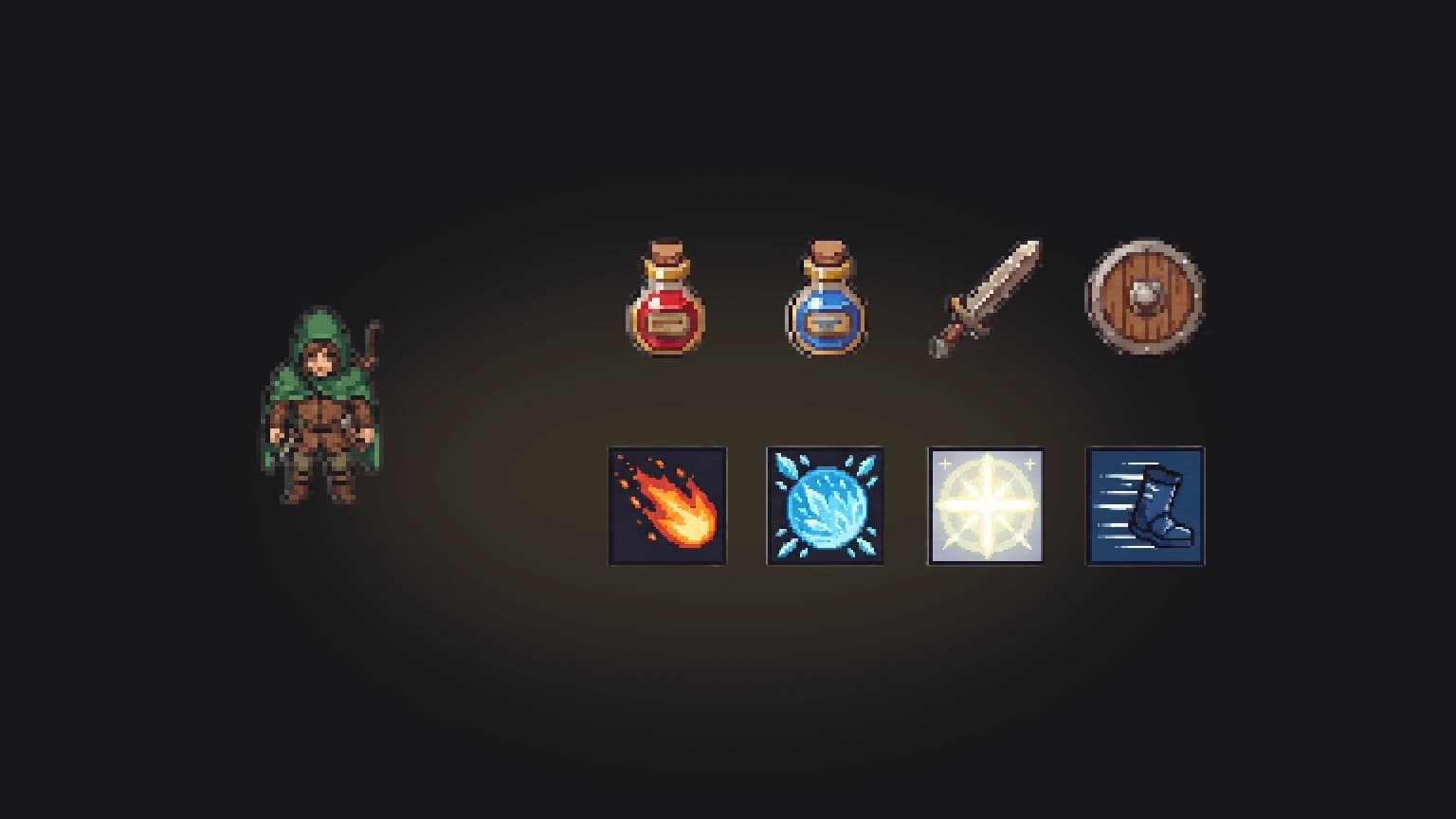
- "Create a Sprixen project for a top-down pixel art RPG at 64x64, then generate a hooded ranger with a walk cycle in four directions."
- "Generate eight 32x32 inventory icons as one pack: health potion, mana potion, sword, shield, coin pouch, key, bread, scroll."
- "Export the ranger as a Godot character package and add it to the player scene."
Each request returns a generation ID, and Codex polls it until the images are ready: about 30 seconds for a sprite, under a minute for an icon pack, around 10 minutes for a standard animation. If you ask for many things at once, Sprixen answers with a "too many active jobs" message and a retry time, and the agent simply waits.
What it costs
The same credits as the web app: 2 per sprite or pack of up to 8 icons, 4 per standard animation, 1 per tile. The Pro plan is $10 a month for 200 credits. Connecting is free, and the discovery tools (listing operations, checking credits) cost nothing.
Setup for Claude Code, Cursor, ChatGPT and the others is in the MCP docs; for a complete agent session, see how we built a whole RPG kit from an agent.
FAQ
Does Codex support MCP servers with OAuth?
Yes. codex mcp add registers a streamable HTTP server and codex mcp login runs the OAuth sign-in in your browser; the app and IDE extension use an Authenticate button.
Do I need a Sprixen API key to use it from Codex?
No. OAuth sign-in replaces the key. An API key is still available for CI and scripts through --bearer-token-env-var.
How do I disconnect Codex from Sprixen?
Run codex mcp logout sprixen, or revoke the Codex connection under Settings, API keys on Sprixen.
Wire Sprixen into your agent.
The Sprixen MCP server lets Claude Code, Cursor and other agents generate sprites, animations, 3D models and VFX without leaving the chat.
Related Articles
Best AI Game Asset Generators in 2026: Sprites, Icons, Tiles, UI and 3D
The AI game asset generators worth using in 2026, compared on what they make (sprites, icons, tiles, UI, 3D), price, free tier, API and MCP access, with results from a real test session.
Make All of Your Game's Art with Claude Code in One Style
How to have Claude Code (or Codex) generate every asset of a game in one consistent style through MCP: project setup, the exact prompts, icon and UI packs, animations, limits, timings and costs from a real run.
Generate Game Assets from Codex CLI and Gemini CLI with MCP
Connect Codex CLI and Gemini CLI to the Sprixen MCP server and generate style-locked sprites, animations, tiles and music from your terminal agent.