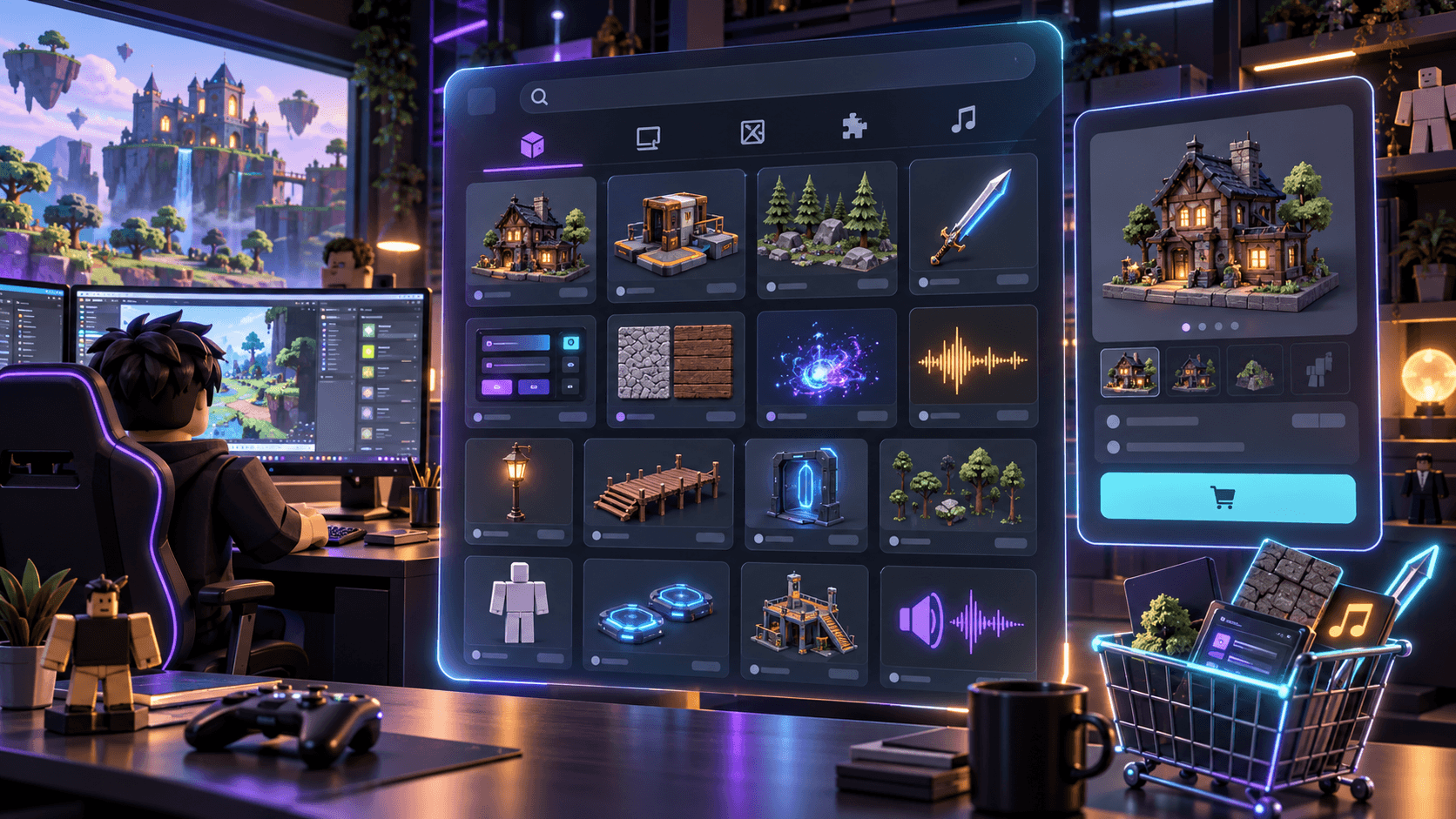
Where to Buy and Sell Roblox Assets in 2026: Creator Store, ClearlyDev and the Alternatives
A practical comparison of Roblox asset marketplaces, including Creator Store, ClearlyDev, avatar Marketplace and general stores, with fees, licensing and buyer risk.
There is no single “Roblox asset marketplace.” The official Creator Store is for game-development assets such as models, plugins, UI and audio. Roblox Marketplace is for avatar items that players wear. ClearlyDev is an independent developer marketplace. General stores and private communities add reach, but also add more work around delivery and licensing.
Choose the channel based on what the buyer does after purchase. If they insert a model into Studio, start with Creator Store or a developer marketplace. If they equip a jacket on their avatar, start with Roblox Marketplace. If they buy a complete resource with documentation and support, a specialist third-party store may be the better fit.
Marketplace comparison
| Channel | Best for | Economics or reach | Main tradeoff |
|---|---|---|---|
| Roblox Creator Store | Models, plugins, assets, UI, scripts and audio used by developers | Roblox says sellers receive 100% of net proceeds on eligible USD transactions | Seller eligibility, ownership and supported regions matter |
| Roblox Marketplace | Avatar clothing, accessories, bodies and other wearable items | Roblox's current documentation describes upload fees, publishing advances and commission rules | Moderation, verification and platform economics are part of the product |
| ClearlyDev | Scripts, systems, maps, UI packs, vehicles and creator resources | The marketplace currently advertises a 10% creator fee and no subscription | Independent platform, so read its current EULA and payout rules |
| General storefront | Bundles, direct sales and an audience you already own | More control over pricing, email and packaging | You own discovery, support, refunds and delivery |
| Private community | Early access, commissions and custom support | High trust when the creator is known | Hard to search, compare and scale safely |
Creator Store: start with ownership and format
The official Creator Store documentation covers the distinction between free distribution and USD sales. Roblox says eligible sellers can earn 100% of net proceeds on model and plugin transactions, while taxes and payment processing still apply. That is attractive, but it does not mean every asset belongs there.
Only list work you own and can redistribute. Be careful with dependencies inside composite assets. Roblox recommends Asset Privacy so newly uploaded assets default to Restricted, which makes permission boundaries easier to reason about. Keep third-party textures, sounds, meshes and code out of a commercial pack unless the license explicitly allows redistribution.
Marketplace is a different business
Roblox's Marketplace overview is for avatar items, not Studio development assets. The current fee documentation describes upload fees, publishing advances and a base creator share that varies by transaction context. For example, the page currently lists an 80 Robux upload fee for many avatar submissions and a 30% creator share for marketplace purchases, with different splits for in-game purchases. Treat those numbers as a snapshot to recheck before publishing because platform economics change.
For a clothing creator, the hard part is not producing a texture. It is passing the platform contract, moderation, identity and publishing requirements while creating an item people can discover and wear. A good product page should show the item on the intended avatar, disclose fit limitations and make the use rights clear.
ClearlyDev: useful for developer-facing packs
ClearlyDev positions itself as an independent marketplace for Roblox developer assets and currently states a 10% creator fee on its home page. Its strength is the product shape: a seller can package a system, map, UI kit or resource for another developer rather than an avatar player. That is closer to how many solo creators actually monetize their work.
The tradeoff is distribution. An independent marketplace can be easier to list on than the official platform, but you still need to earn trust through documentation, demos, changelogs, dependencies and support. Do not assume a listing is portable between platforms. Check whether the license allows commercial games, team use, resale of modified work and use in paid commissions.
What sells is not always what is safest to buy
Buyers should inspect the product boundary before the screenshots. A “framework” may be a code skeleton. A “full game” may be an editable scene with no support. A “UI kit” may contain images but no responsive states. A “map pack” may be a set of renders without collision or scripts. Ask what files arrive, what dependencies are required and how updates are delivered.
Pricing a developer asset
| Product shape | Price logic | What justifies the higher end |
|---|---|---|
| Small texture or icon pack | Low one-time price | Clear style, clean exports and useful variants |
| UI kit or prop set | Mid-range one-time price | States, source files, responsive examples and consistent coverage |
| Scripted system | Higher price plus support expectation | Secure server logic, framework compatibility and documentation |
| Complete template | Highest price or ongoing support | Working demo, update policy, install path and honest limitations |
Sprixen can help with the visual side of a coherent creator pack: thumbnails, UI motifs, textures and effects that share a project direction. It does not grant ownership of third-party material and it does not replace marketplace moderation. If you are building a Roblox resource, start from the asset specification sheet, then use the Roblox Creator Pack to prepare the supporting visuals.
Make game art that stays in one style.
Generate sprites, animations, tiles and effects that share one locked style per project, in the web app or straight from Claude Code and Cursor. 6 free credits on signup, no credit card required.
Related Articles
Roblox 2D Asset Sizes in 2026: Icon, Thumbnail, UI, Clothing and Particle Cheat Sheet
A practical Roblox 2D asset reference covering discovery images, UI, classic clothing, layered textures, decals and particle flipbooks, with the mistakes that cause rework.
Why Your Roblox Game Looks Inconsistent (and the 2D Asset Checklist That Fixes It)
The four visual contracts that make a Roblox game feel coherent across icons, UI, clothing, characters and effects, plus an audit you can run before buying more assets.
Best AI Game Asset Generators in 2026: Sprites, Icons, Tiles, UI and 3D
The AI game asset generators worth using in 2026, compared on what they make (sprites, icons, tiles, UI, 3D), price, free tier, API and MCP access, with results from a real test session.