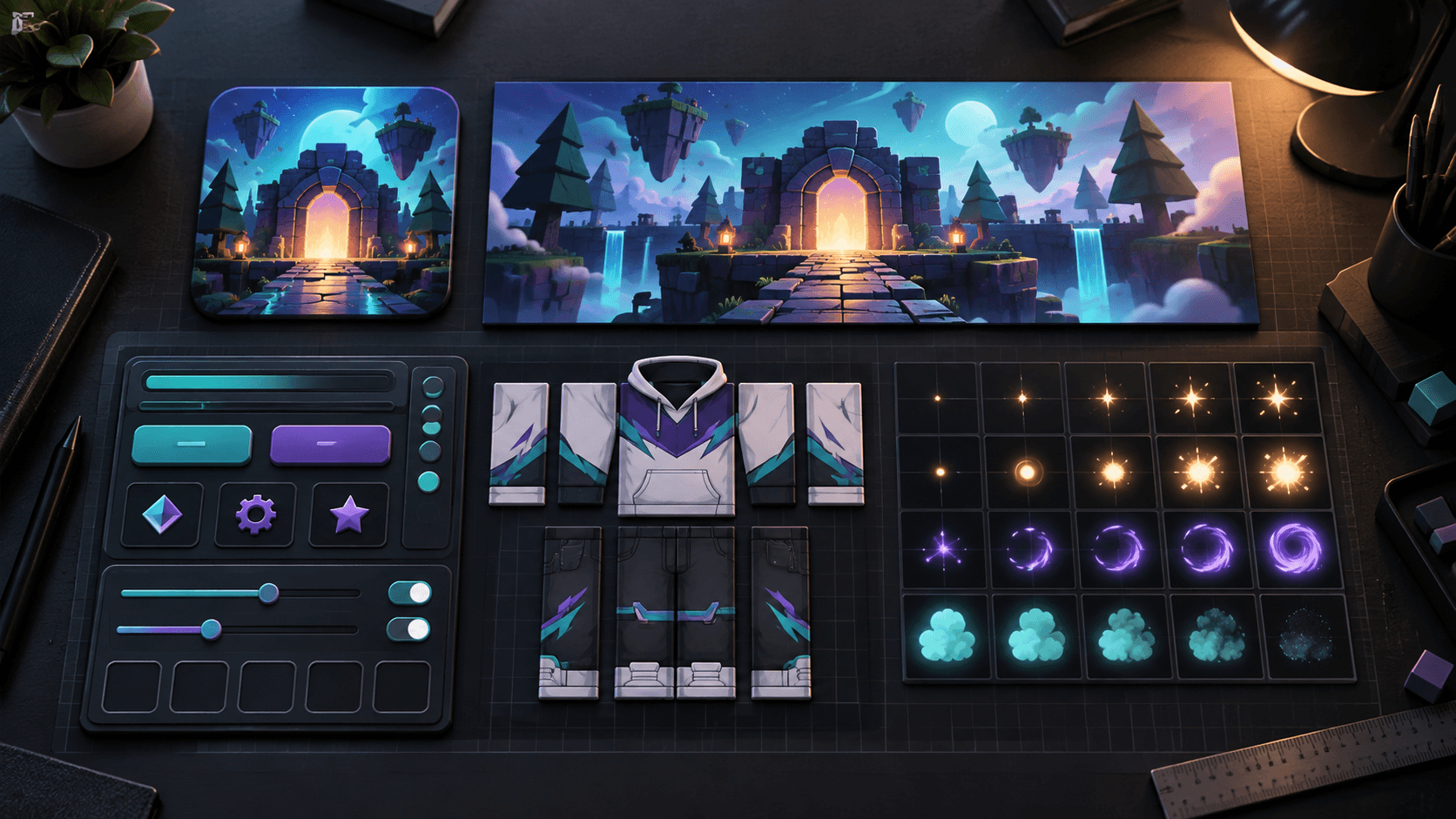
Roblox 2D Asset Sizes in 2026: Icon, Thumbnail, UI, Clothing and Particle Cheat Sheet
A practical Roblox 2D asset reference covering discovery images, UI, classic clothing, layered textures, decals and particle flipbooks, with the mistakes that cause rework.
Roblox creators rarely lose time because one image is impossible to export. They lose time because the same art has to be rebuilt for five surfaces with five different constraints. A game icon needs to read as a square at a tiny size. A thumbnail needs to explain the click in a wide frame. A UI panel has to survive different screens. Clothing follows a template. A particle flipbook has to stay transparent and predictable in motion.
This is the compact reference I wish every Roblox project had at the start. The dimensions below are production starting points, not a substitute for the current Creator Hub rules. Roblox changes publishing and moderation requirements, so check the official pages before submitting an asset.
The master Roblox 2D asset table
| Asset | Practical starting size | Format and constraint | Common mistake |
|---|---|---|---|
| Game icon | 512x512 square | PNG or JPG; one focal promise | Designing for a large desktop preview instead of a tiny mobile tile |
| Experience thumbnail | 1920x1080, 16:9 | PNG, JPG, GIF, TGA or BMP; test the crop | Putting the subject or important text against the edge |
| Screen UI | Use scale plus offset, not one fixed canvas | ImageLabel, ImageButton, constraints and safe areas | Stretching decorative corners with the rest of the panel |
| Classic clothing | Use the current official shirt or pants template | Template regions must stay aligned at seams | Starting from a blank canvas or trusting a community template blindly |
| Layered clothing texture | Match the mesh and cage contract | UV layout, texture maps and attachments must agree | Treating a flat shirt texture as if it were a 3D garment |
| Particle texture | Start small, then profile on the target device | Transparent image; optional 2x2, 4x4, 8x8 or custom flipbook | Using a large opaque sheet or an unsupported animated format |
| Decal or billboard | Choose the aspect ratio of the surface first | Keep text large and contrast high | Making a texture that is technically sharp but unreadable in world space |
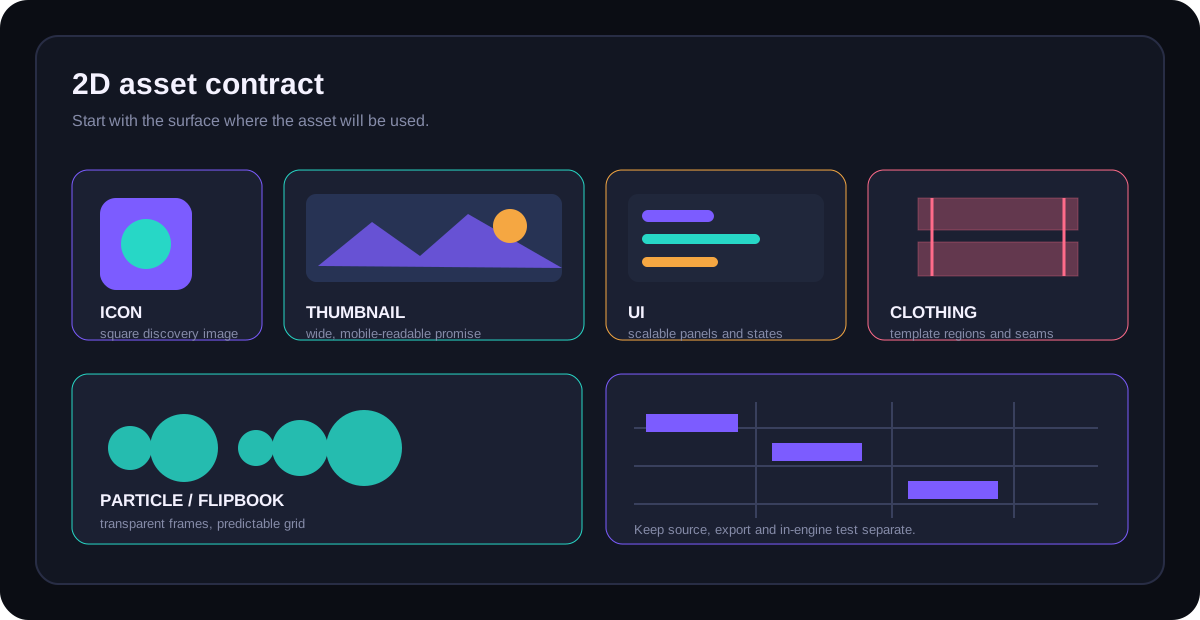
Icon and thumbnail are not the same asset
Roblox's official thumbnail guidance recommends a 16:9 image and says 1920x1080 is ideal for high-resolution display across the site and app. That is a discovery frame, not a resized icon. The Roblox thumbnail documentation also encourages authentic gameplay video, which is a useful reminder: the visual promise should survive the click.
Use the icon for recognition and the thumbnail for a moment. A readable icon might show one character silhouette, one prop and a strong background shape. A thumbnail can show the same character in context, but it still needs one dominant subject. Export both from the same project style instead of stretching one into the other.
UI needs a layout contract
A UI texture is only half of a Roblox interface. The other half is how the GuiObject scales, anchors and constrains itself. Roblox's position and size guide explains the difference between Scale and Offset. Use Scale for relationships to the parent and Offset for small, deliberate additions. Add UIAspectRatioConstraint when an image must stay proportional, and UIScale when a complete group needs controlled zooming.
If a panel contains text, make the text layout responsive before you polish the background. A beautiful inventory frame that clips the item name on a phone is not a finished asset. The best 2D UI art is deliberately quiet around the regions that must grow.
Clothing follows templates, not vibes
Classic clothing is a region-mapping problem. Keep the current official classic clothing documentation open, lock the guide layer, and inspect both the flat texture and the avatar preview. AI is useful for a jacket concept or a material direction, but it is not reliable at preserving sleeve seams, front-to-back continuity or the exact shape of template regions.
Layered clothing has a different contract. Its texture is associated with a 3D garment, cage and attachment setup. Do not reuse the workflow from classic shirts and pants just because both are called clothing.
Particles are small, but they are not free
Roblox's ParticleEmitter supports static textures and flipbooks. The documented layouts include Grid2x2, Grid4x4, Grid8x8 and Custom. A flipbook gives you motion inside one particle, but it also multiplies the amount of visual information that can be sampled and loaded. Start with a small sheet and profile the actual effect on the least powerful device you intend to support.
Keep alpha real. A black background baked into smoke or a magic effect will show up as a rectangle in the game. A transparent PNG with a clean edge is usually more useful than a larger sheet with a prettier preview.
Mobile changes the definition of “readable”
At desktop size, a thumbnail can rely on small props and secondary text. On a phone, those details collapse into noise. Preview icons at roughly 128 pixels, thumbnails at roughly 320 pixels wide and UI panels with the longest expected localized string. If the focal subject disappears at that size, change the composition before adding more detail.
Export checklist
- Write down the surface, aspect ratio and intended display size before opening the editor.
- Keep source files separate from Roblox-ready exports.
- Use transparent PNGs for particle and cutout assets, and inspect the alpha on a dark and light background.
- Open UI assets in Studio and test a narrow phone viewport before polishing every state.
- Test icon and thumbnail variants at small size with no sound and no context.
- For clothing, remove guide layers and preview the texture on the target avatar shape.
- Profile particle count, texture size and overdraw on a real low-end device.
Sprixen is useful when the problem is producing a coherent set of supporting art: characters, props, UI motifs and effects that share a visual direction. It does not replace the Roblox publishing contract. Start with the thumbnail workflow, the classic clothing guide or the flipbook guide when you need to go deeper.
Or generate the icon, thumbnail, UI kit and VFX together in one pass with the Roblox Creator Pack, so every spec on this sheet already matches.
Make game art that stays in one style.
Generate sprites, animations, tiles and effects that share one locked style per project, in the web app or straight from Claude Code and Cursor. 6 free credits on signup, no credit card required.
Related Articles
Why Your Roblox Game Looks Inconsistent (and the 2D Asset Checklist That Fixes It)
The four visual contracts that make a Roblox game feel coherent across icons, UI, clothing, characters and effects, plus an audit you can run before buying more assets.
Where to Buy and Sell Roblox Assets in 2026: Creator Store, ClearlyDev and the Alternatives
A practical comparison of Roblox asset marketplaces, including Creator Store, ClearlyDev, avatar Marketplace and general stores, with fees, licensing and buyer risk.
Best AI Game Asset Generators in 2026: Sprites, Icons, Tiles, UI and 3D
The AI game asset generators worth using in 2026, compared on what they make (sprites, icons, tiles, UI, 3D), price, free tier, API and MCP access, with results from a real test session.