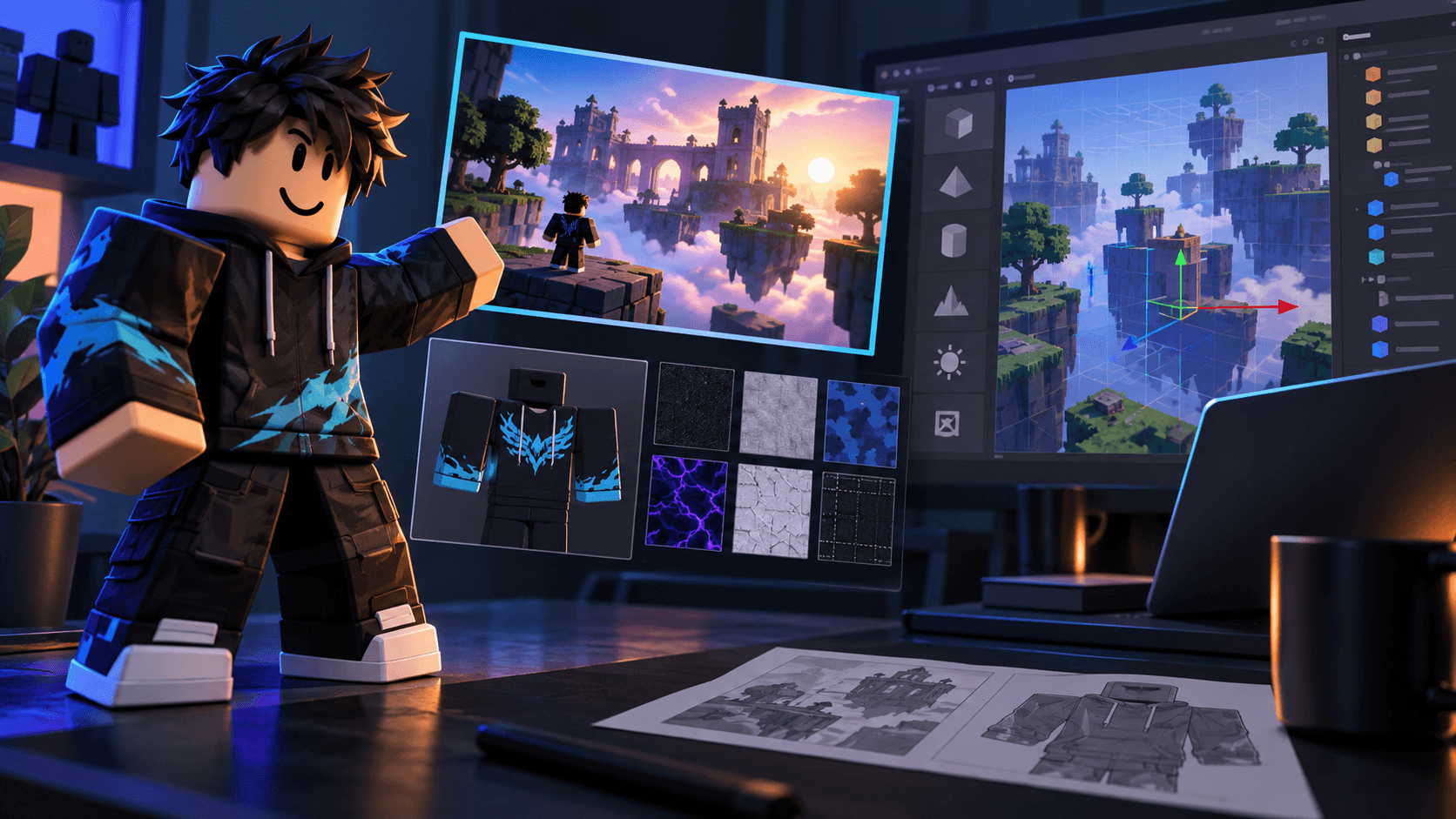
Roblox Game Icon and Thumbnail Checklist: 512x512, Safe Areas and Mobile Readability
The practical difference between a Roblox game icon and a thumbnail, with 512x512 export guidance, composition checks and a truthful discovery workflow.
Roblox icons and thumbnails do different jobs. The icon is the compact identity of the experience and is often seen as a small square. The thumbnail is a 16:9 promise about what happens after the click. Designing one and cropping it into the other usually produces an image that is too busy for the icon and too vague for the thumbnail.
Start with the export contract
For an icon, work at 1024x1024 if your tool supports it, then export a clean 512x512 version for the platform requirement. Keep the important silhouette and logo inside a central safe area because the image will appear much smaller in discovery surfaces. For thumbnails, Roblox recommends a 16:9 composition and an ideal size of 1920x1080. Check the current thumbnail guidance before publishing.
Icon checklist
- One recognizable subject, not a full scene.
- Strong separation between subject and background.
- No tiny text that only works at 1024 pixels.
- Distinctive silhouette that still reads at 64 pixels.
- Consistent palette with the actual game.
- No fake rewards, characters or UI that do not exist.
- Test as a square, a circle-like crop and a dark-mode thumbnail.
Thumbnail checklist
- One click promise stated visually in the first second.
- A focal point in the middle two-thirds of the frame.
- Enough negative space for optional short text.
- Gameplay or a faithful render, not a completely invented environment.
- Readable on a phone at roughly 160 pixels wide.
- Three variants that change one composition variable at a time.
Why the 512x512 export is not enough
Technical compliance is the floor, not the creative brief. A 512x512 image can be the right dimensions and still fail because the face is too small, the background has the same value as the subject, or a ring of text becomes noise. Reduce the image until it is the size a player will actually see. If the game type, emotion or fantasy disappears, simplify the art.
Using AI without making a false promise
Use AI to explore a set of compositions or to generate consistent character and prop art. Then compare the result with the game in Studio. Replace invented HUD elements with real screenshots. Remove a dramatic mechanic if it is not in the build. Discovery systems reward the right audience, and the right audience is more valuable than a spike of accidental clicks.
Sprixen's asset generator can help produce consistent pieces for a thumbnail set. Generate the hero character and props in one project, then do the final layout in an editor where you control type, cropping and pixel-level cleanup.
Use the icon to make the game recognizable. Use the thumbnail to explain why this session is worth starting. Keep both honest, small and testable.
The Roblox Creator Pack generates the icon and thumbnail together, plus a matching UI kit and VFX, so the 512x512 symbol and the discover-page thumbnail read as the same game.
Make game art that stays in one style.
Generate sprites, animations, tiles and effects that share one locked style per project, in the web app or straight from Claude Code and Cursor. 6 free credits on signup, no credit card required.
Related Articles
Best Roblox Thumbnail Makers in 2026: Templates, AI and Studio-Ready Workflow
Which Roblox thumbnail tools help with concepting, compositing and final export? A comparison focused on 16:9 readability, truthful marketing and iteration speed.
How to Make 3D Game Assets with AI: A 2026 Guide from Real Tests
How to make 3D game assets with AI: a style bible from one reference, library models vs custom generation, real sizes, rigging, GLB export and the pitfalls we hit.
How to Make a Game in the "omw" Style: The Dark Gothic Pixel RPG Look Explained
How the viral "omw" dark gothic pixel RPG look works: low-res 3D, a 16 color palette, dithering, fog, torch against moonlight, plus a Godot 4 setup you can copy.