How to Make Seamless Game Music Loops with AI
A practical workflow for generating, editing and testing loopable game music with AI, including loop points, stems, loudness and engine export.
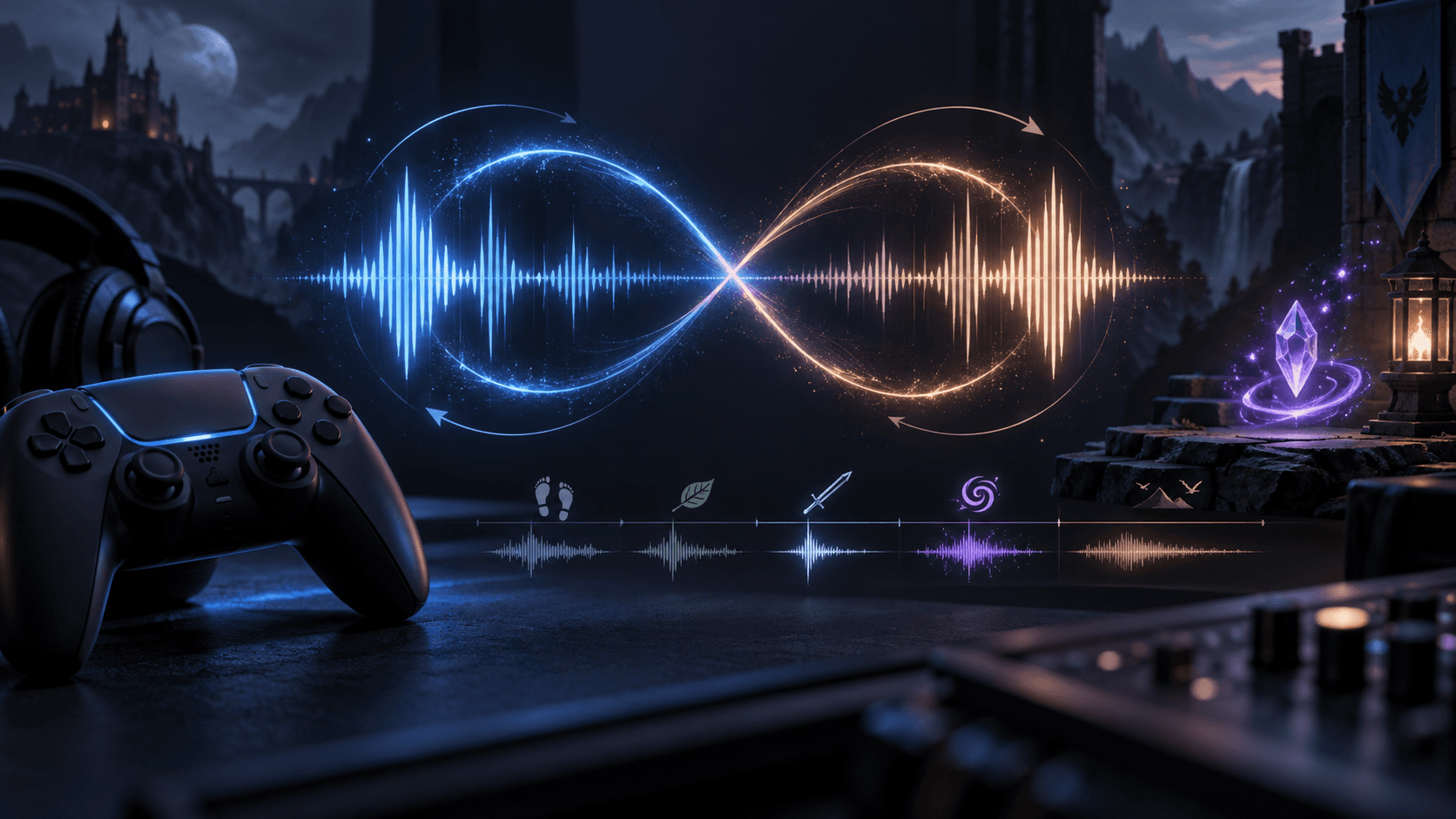
A game music loop is not a song that happens to end where it began. It is a piece of interactive infrastructure. The ending must hand back to the beginning without a click, the energy must survive repetition, and the engine must know whether to loop the file or crossfade between sections. AI can reduce the cost of exploring motifs, but the loop point still needs an editor and a real playtest.
Choose the loop type first
- Hard loop: the audio jumps from the end directly to the start. Best when the waveform and harmony are designed for it.
- Crossfade loop: the tail overlaps the beginning. More forgiving, but it changes timing and can blur rhythmic transients.
- Layered loop: stems or layers enter as the game state changes. More expressive, but requires engine logic and consistent timing.
Prompt for structure, not vague mood
Give the generator a BPM range, key or tonal center, instrumentation, emotional arc and intended loop behavior. “Epic fantasy music” is a mood. “96 BPM, D minor, low percussion, bowed strings, one eight-bar motif, no final cadence, designed for a 32-bar seamless exploration loop” is a production brief.
Ask for a restrained ending. A strong final crash, cymbal tail or reverb swell creates the exact seam you are trying to hide. Generate several short candidates rather than one ten-minute track and keep the motif that still works after the third repetition.
Find a usable loop point
- Import the file into an editor and display the waveform and beat grid.
- Find the first downbeat and mark it.
- Search for a later downbeat where the harmonic and rhythmic state is similar.
- Trim at musical boundaries, not at a random quiet-looking sample.
- Audition the transition at least ten times without looking at the waveform.
- Test the loop in the target engine with the same compression and volume settings.
Keep tails under control
Reverb and delay tails often expose a loop. You can print a shorter tail, use a crossfade, or move the loop point to a place where the tail has a matching texture. Do not simply cut the tail at zero amplitude and assume the result is clean. A waveform can cross zero while its spectral character changes abruptly.
Export for the engine
For Godot, test the chosen OGG, MP3 or WAV import settings and verify loop points in the imported resource. Godot's audio import documentation explains how loop points and formats are handled: Importing audio samples. In Unity, the AudioSource has a loop property, but the asset still needs a clean transition: AudioSource.loop.
Keep a WAV master, an engine-ready compressed version and a note with BPM, key, loop start and loop end. If you generate stems, use identical length, start time and sample rate for every stem.
Where Sprixen helps
Sprixen's Music Studio is useful for generating a batch of mood and instrumentation candidates with a game-oriented brief. Use the candidates to find a motif, then make the final loop decision in an audio editor and test it inside the game. The tool can accelerate discovery; it cannot hear your combat loop after the player has fought for twenty minutes.
Licensing is part of the production note
Before shipping generated music, confirm the current provider terms for commercial use, ownership, attribution and prohibited uses. Terms can differ by plan and can change after the track was generated. Keep the provider, model, date, prompt and plan in a small asset log so you can answer where the file came from later.
The best AI music workflow ends with less AI in the final decision: a human chooses the motif, repairs the loop, checks the mix and verifies the license. That is how a generated idea becomes dependable game audio.
Preview the effect before you commit to it.
Fire, ice, lightning and 37 more effect families, previewed live and exported as sprite sheets for Godot, Unity and Phaser or as a transparent WebM.
Related Articles
AI Music Generator for Indie Games: Loops, Combat Themes and Menu Music
Use an AI music generator for game loops, combat themes and menu music: briefs per cue, BPM and bar math, and looping in Godot and Unity.
How to Make 3D Game Assets with AI: A 2026 Guide from Real Tests
How to make 3D game assets with AI: a style bible from one reference, library models vs custom generation, real sizes, rigging, GLB export and the pitfalls we hit.
How to Make a Game in the "omw" Style: The Dark Gothic Pixel RPG Look Explained
How the viral "omw" dark gothic pixel RPG look works: low-res 3D, a 16 color palette, dithering, fog, torch against moonlight, plus a Godot 4 setup you can copy.