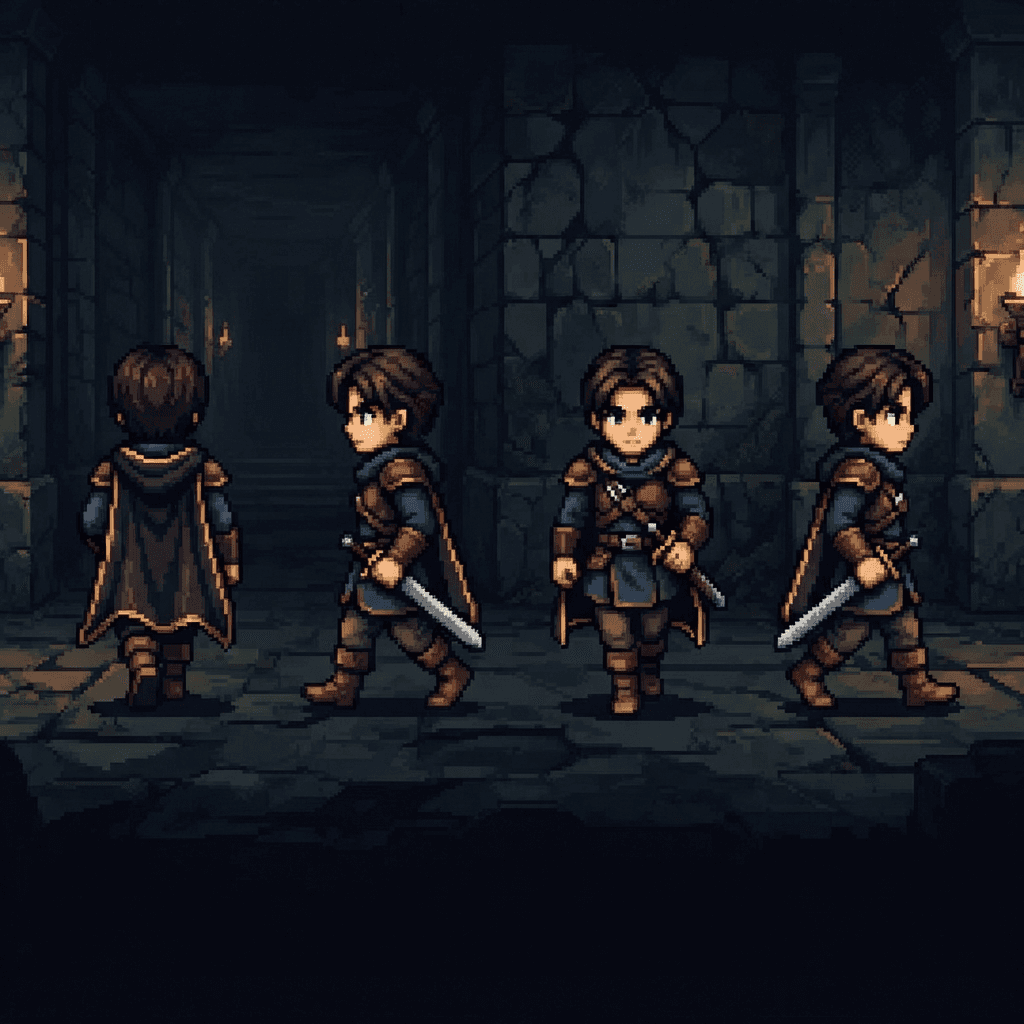
Stardew Valley Mod Sprites with AI: Items, Portraits and NPC Sheets for Content Patcher
Make Stardew Valley mod art with AI: 16x32 NPC frames, 64x64 portraits, item sprite indexes and the Content Patcher Load and EditData setup.
Stardew Valley mod art follows three fixed layouts: overworld NPC frames are exactly 16x32 pixels, dialogue portraits are 64x64 each in a grid two portraits wide, and custom items point to a sprite index inside a spritesheet you load. Generate each asset in one locked style, arrange it on the official grid, and load it with Content Patcher.
The layouts below come from the official Modding:NPC data and Modding:Items pages on the Stardew Valley Wiki. Keep them open while you work; they are the contract the game reads.
The three layouts at a glance
| Asset | Game asset name | Cell size | Layout |
|---|---|---|---|
| Overworld NPC sprite | Characters/<Name> | 16x32 | Rows of four frames, frame 0 at top left |
| Dialogue portraits | Portraits/<Name> | 64x64 | Two across, as many rows as you need |
| Custom item icon | Any texture you load, such as Mods/<ModId>/Objects | Same cell as vanilla icons | Indexed left to right, then down |
Overworld NPC sprites
The wiki is precise here. Overworld sprites live in Characters/NpcName, each frame is exactly 16x32 pixels, and frame numbering starts at 0. The first sixteen frames are generic movement, four frames per direction. The Size field in Data/Characters defaults to 16x32, and the wiki warns that larger sizes break spawning, pathfinding and the end-game slide show. Stay at 16x32.
A few frame ranges are reserved when your NPC uses the matching feature:
- Frames 40 to 47 (female) or 44 to 47 (male) hold the Flower Dance animation if the NPC can dance.
- Frames 36 to 38 (female) or 48 to 50 (male) are reserved for marriageable NPCs.
- The kiss frame defaults to index 28, facing right, for custom NPCs.
With four frames per row, a sheet is 64 pixels wide. Movement alone fills four rows (64x128). A sheet that uses frames up to index 50 needs 13 rows, which makes it 64x208.
Generating the walk frames
- Create one Sprixen project for the mod with the pixel art style and a palette sampled from vanilla Stardew art you own. Every NPC, portrait and item generated in the project inherits it.
- Generate the base sprite at 16x32. Projects offer square resolutions; the API and MCP tool accept a per-asset override such as
16x32, so the character is drawn for the real frame size instead of being squeezed later. - Animate four directions. Request a walk animation with 4 frames for each of the down, right, up and left directions. Each direction is one animation (4 credits at standard quality) and returns one horizontal strip of four 16x32 frames.
- Stack the strips into rows in the direction order you see in a vanilla sheet you have unpacked from your own copy of the game, then check the sheet in game.
Check facing carefully. Vanilla NPC sheets keep left and right as separate rows, so a strip generated facing the wrong way puts the NPC in a moonwalk.
Portraits
Portraits live in Portraits/NpcName, each frame is exactly 64x64, and the first six portraits are fixed emotions. The first portrait is the default when a line of dialogue does not ask for one. The community Making a Custom NPC tutorial lists them in order:
| Index | Emotion | Position on a 128 pixel wide sheet |
|---|---|---|
| 0 | Neutral | Row 1, left |
| 1 | Happy | Row 1, right |
| 2 | Sad | Row 2, left |
| 3 | Unique | Row 2, right |
| 4 | Blushing | Row 3, left |
| 5 | Angry | Row 3, right |
Six portraits make a 128x192 sheet. Custom portraits continue from index 6.
Consistency matters more for portraits than for anything else in the mod, because the player sees six versions of the same face side by side. Generate the neutral portrait first at 64x64 with a front-facing view, then generate each emotion as a variation that uses the neutral portrait as its reference image. Keep the prompt identical apart from the expression ("same character, same outfit, same framing, happy expression") so hair, collar and crop stay put.
Custom items
Since Stardew Valley 1.6, items are data entries that point to a texture and an index. The Modding:Items page defines a new object with a Texture asset name and a SpriteIndex, where index 0 is the top-left sprite and the count runs across, then down. You then load your PNG to that asset name.
Draw item icons on the same cell size as the vanilla object spritesheet you are matching (vanilla object icons use a 16x16 grid), and pack several items into one sheet so a single texture serves the whole mod. Sprixen's pack mode generates up to 8 named items in one request, for 2 credits per pack, in the project's style, which suits a set of crops, artisan goods or gifts that should read as one family.
Matching the vanilla look
Players notice a custom NPC that looks drawn for a different game long before they notice a wrong frame. Before generating the full set, unpack a vanilla NPC sheet and portrait from your own copy of the game and use them as references in three ways:
- Palette: sample skin tones, hair and clothing colors from vanilla art and pass them to your project as hex colors.
- Pixel density: compare your sprite and a vanilla sprite at the same zoom. If yours has more tiny details per frame, simplify the prompt.
- Outline and shading: match the outline color and the number of shading steps you see in the reference, then keep them identical across the sprite sheet, portraits and items.
The Content Patcher setup
Content Patcher uses Load for assets that do not exist in the base game and EditData to register data. The wiki's full NPC example loads sprites and portraits like this:
{
  "Format": "2.8.0",
  "Changes": [
    {
      "Action": "Load",
      "Target": "Characters/{{ModId}}_Dobson",
      "FromFile": "assets/sprites.png"
    },
    {
      "Action": "Load",
      "Target": "Portraits/{{ModId}}_Dobson",
      "FromFile": "assets/portraits.png"
    }
  ]
}
Items follow the same idea: add the entry to Data/Objects with "Texture": "Mods/{{ModId}}/Objects" and "SpriteIndex": 0, then add a Load change that targets Mods/{{ModId}}/Objects from your PNG. The community tutorial adds one warning worth repeating: load NPC sprites into Characters/, never into a Sprites/ path.
Folder layout for the content pack
[CP] Dobson/
  manifest.json
  content.json
  assets/
    sprites.png      (64 px wide, 16x32 frames)
    portraits.png    (128 px wide, 64x64 portraits)
    objects.png      (item icons, indexed from 0)
    dialogue.json
    schedule.json
Quality checks before release
- Open each PNG at 400% with nearest neighbor and confirm the cell grid: 16x32 for sprites, 64x64 for portraits.
- Make sure the background is truly transparent and no semi-transparent fringe survived the resize.
- Walk the NPC in all four directions in game and confirm the facing of every row.
- Read every portrait in a dialogue box, where the face is shown next to text and the crop is unforgiving.
- Ship only your own art. Use unpacked vanilla files as private references and never include them in the pack.
The same restacking and frame rules apply to other XNA games; the Terraria item and NPC sprite guide covers the vertical sheets tModLoader expects. To generate the NPC, its portraits and its gifts in one style, start a project in Sprixen.
FAQ
What size are Stardew Valley NPC sprites?
Each overworld frame is exactly 16x32 pixels, arranged four frames per row. The first sixteen frames are movement, four per direction, and the wiki warns against sizes larger than 16x32.
What size are Stardew Valley portraits?
Each portrait is 64x64, arranged two across. The first six are neutral, happy, sad, unique, blushing and angry, so a standard sheet is 128 pixels wide and 192 pixels tall.
Do I need C# to add an NPC or item to Stardew Valley?
No. The official wiki notes that a custom NPC can be made with Content Patcher alone, and custom items are data entries plus a loaded texture, all written in JSON.
How do I keep AI portraits consistent across six expressions?
Generate the neutral portrait first, then generate each expression as a variation that uses it as the reference image, with the same prompt apart from the emotion. Keep everything in one project so the palette and pixel density stay locked.
How many credits does a full NPC take in Sprixen?
A base sprite is 2 credits, four walk directions at standard quality are 16, and six portrait variants are 12, so about 30 credits. New accounts start with 6 free credits; Pro is $10 a month for 200.
Generate sprites that actually match.
Style-locked sprite generation keeps every character, tile and animation in your project visually consistent. 6 free credits on signup, no credit card required.
Related Articles
How to Make Custom Terraria Item and NPC Sprites with AI (tModLoader Guide)
Make Terraria mod sprites with AI: tModLoader texture naming, right-facing item art, vertical NPC sheets, frame counts and a full workflow.
Modding PC Games with Claude Code: Give Your Agent Consistent Sprites
Use universal-modder and Claude Code to mod games you own, and add the Sprixen MCP server so the agent gets one-style sprites and animation sheets.
Minecraft Bedrock Resource Pack Textures with AI: 16x16 Blocks, Items and a Consistent Palette
Build a Minecraft Bedrock resource pack with AI textures: the folder layout and manifest from Microsoft docs, 16x16 rules and palette consistency.