
D&D Token Maker
Turn a portrait or a description into a clean, grid-ready VTT token in seconds.
Part of every Sprixen account. 6 free credits at signup, then Pro at $10/month.
Prefer a ready-made set? Get a full themed pack with maps, tokens, VFX and audio in one style.
Made with the Token Maker
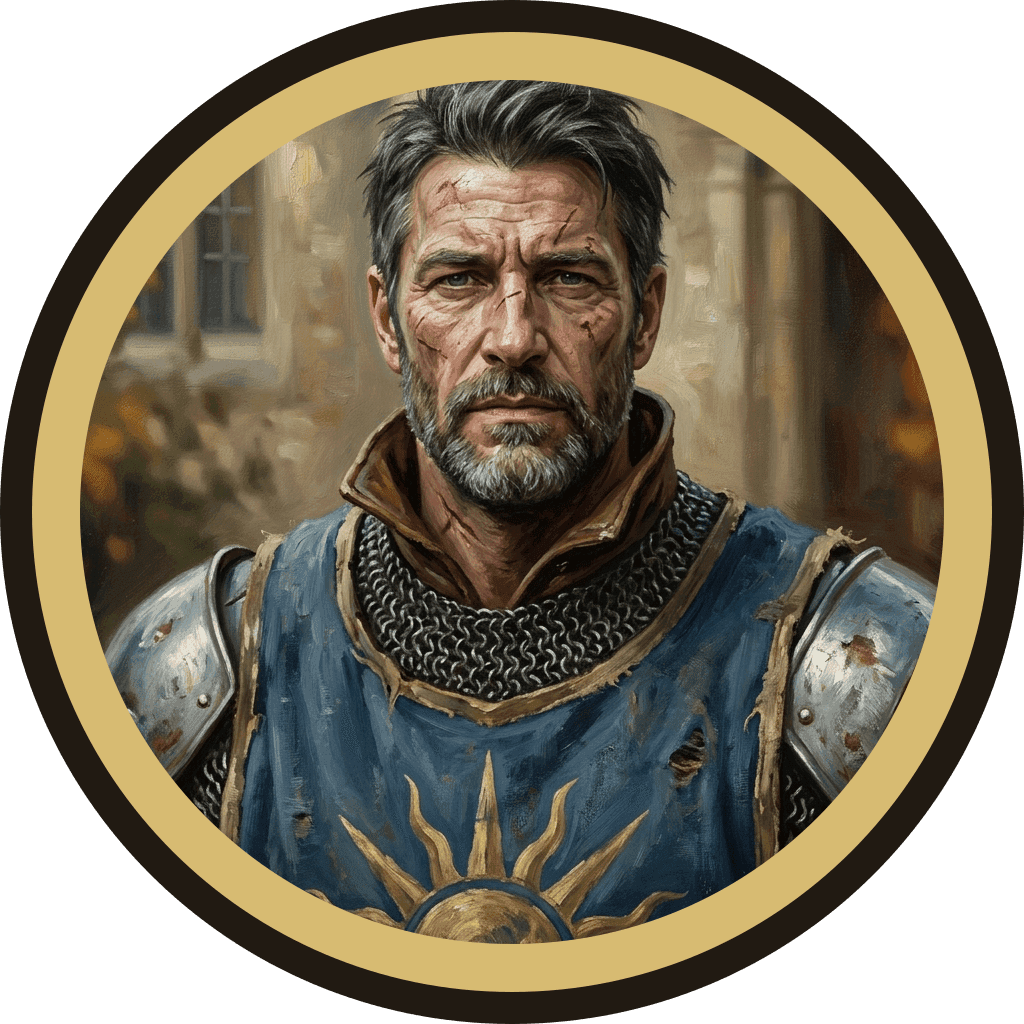
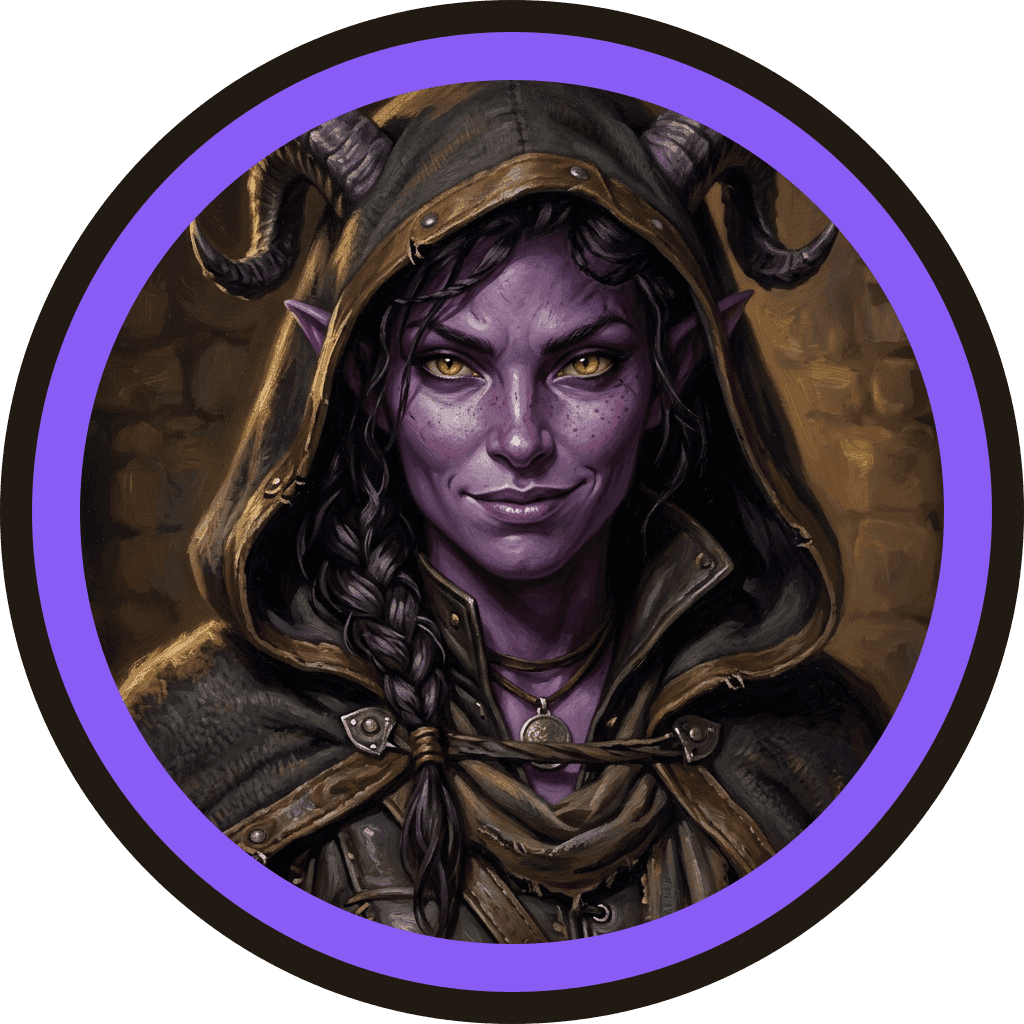
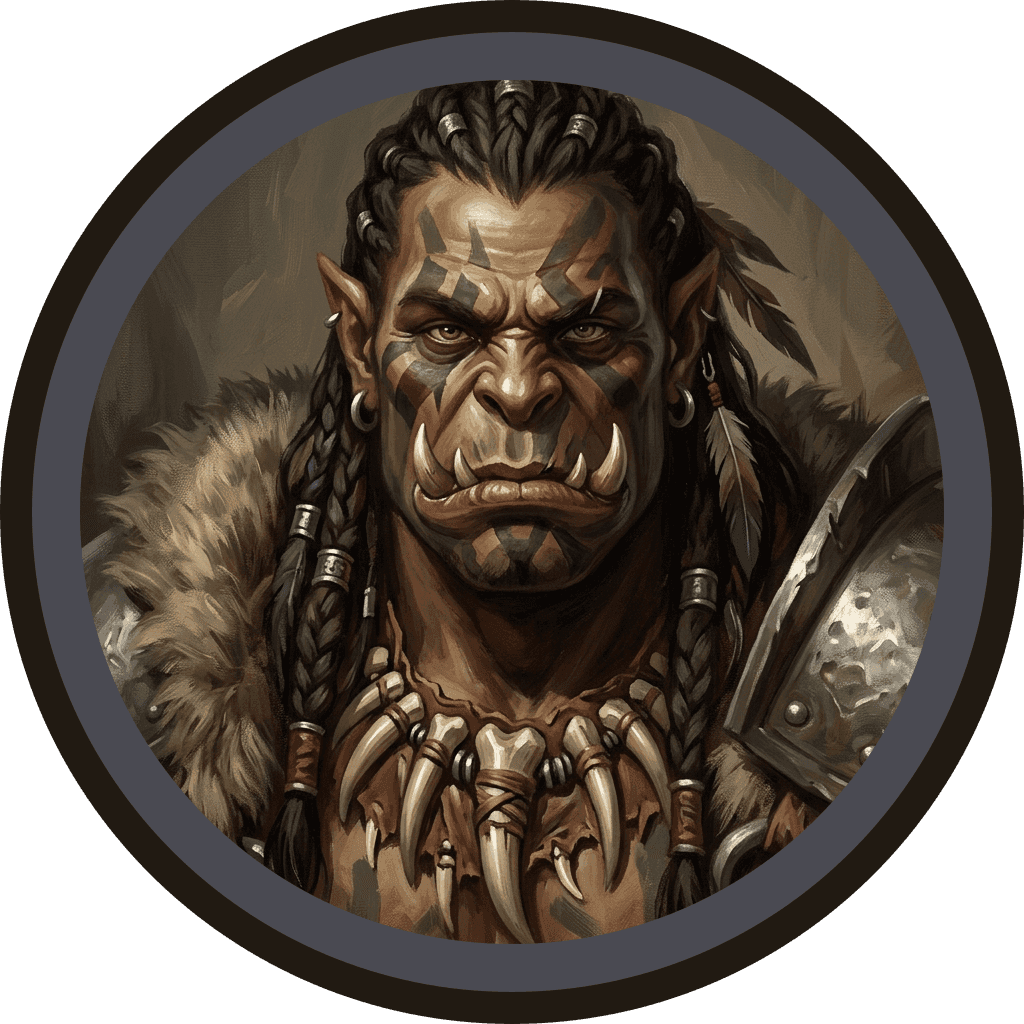
A D&D token maker turns a character portrait, or just a description, into the small circular (or square, or hex) image your virtual tabletop places on the grid to represent a player, an NPC or a monster. Inside Sprixen you upload a portrait you already have, or describe the character and let Sprixen paint one from scratch, then pick a border, a shape and a size and export a transparent PNG in seconds.
Borders matter more than they look like they should at the table. A gold ring reads instantly as “player character” across a busy scene, a plain iron or wood ring keeps common enemies from competing for attention, and an arcane border is a fast visual shorthand for anything magical, a familiar, a summoned creature, a cursed object brought to life. Shape works the same way: circular tokens are the near-universal default in Foundry and Roll20, square tokens suit a more old-school, board-game aesthetic, and hex tokens are built for hex-grid systems and sci-fi settings.
Every token exports as a transparent PNG, the format every major VTT expects, at 512 pixels on a free account and 1024 pixels on Pro. Tokens made from a portrait you upload cost no credits; tokens painted from a description cost 1 credit. Everything you make is saved to your library, so you are not re-downloading the same file for every session, and tokens generated through your account can be used in a paid campaign, a monetized stream or a published module.
Once you have a token, drop it straight into Foundry by dragging the PNG onto the canvas or setting it as a token image in an actor’s configuration, or upload it to your Roll20 library and place it on the tabletop the same way you would any other art asset.
01
Upload or describe
Drop in a portrait you already have, or describe the character and let Sprixen paint one from scratch.
02
Pick border, shape and size
Choose gold, silver, iron, wood, arcane or no border, circle, square or hex, and the pixel size your VTT expects.
03
Download and drop it in
Grab the transparent PNG and drag it straight onto a token in Foundry, Roll20 or Fantasy Grounds.
Questions before you roll.
What token size should I use for Foundry, Roll20 and Fantasy Grounds?
A 512px token covers almost every case: it looks sharp at the default 100px grid square and still holds up if a player zooms in during combat. Free Sprixen accounts generate at 512px, and Pro accounts get 1024px for projecting the table on a TV or running a scene at a very high zoom level. Both sizes work in Foundry, Roll20 and Fantasy Grounds since they just read the PNG dimensions.
What file format does the token export as?
Every token exports as a transparent PNG, which is what all major virtual tabletops expect for a token image. Free and Pro accounts also get a WebP copy for smaller file sizes when you are managing a large token library.
Is the token maker actually free?
The token maker lives inside your Sprixen account. Sign up for 6 free credits, enough to try every D&D tool, then Pro unlocks more credits each month for $10. Every token exports at full resolution, 512px on the free tier and 1024px on Pro.
Can I use the tokens in a commercial game or paid campaign?
Yes. Every token generated through your Sprixen account comes with a commercial license, so you can use it in a paid one-shot, a monetized actual-play stream, or a game you sell.
How do I import a token into Foundry VTT or Roll20?
In Foundry, open a token’s configuration and set the image path to your downloaded PNG, or drag the file directly onto the canvas to create a new token. In Roll20, upload the PNG to your library and drag it onto the tabletop. Because the background is fully transparent, the token keeps its shape on any map without a visible square behind it.
Related tools

Portrait Generator
Describe your character once and get a portrait and a matching VTT token together.

Battle Map Generator
Describe a scene and get a top-down battle map with a grid, ready for Foundry in one file.

NPC Generator
Get a full NPC, personality, secret, stat block and art, from a one-line idea.

Encounter Generator
Set your party level and difficulty, get a balanced encounter with tactics and a twist.

Monster Maker
Describe a creature concept and get a full homebrew stat block, formatted and ready to run.
Want the whole table run by AI?
These tools come from the Sprixen AI Dungeon Master, which writes full adventures with NPCs, maps and turn-by-turn play. One account covers the tools and the Dungeon Master.