
D&D Battle Map Generator
Describe a scene and get a top-down battle map with a grid, ready for Foundry in one file.
Part of every Sprixen account. 6 free credits at signup, then Pro at $10/month.
Prefer a ready-made set? Get a full themed pack with maps, tokens, VFX and audio in one style.
Made with the Battle Map Generator
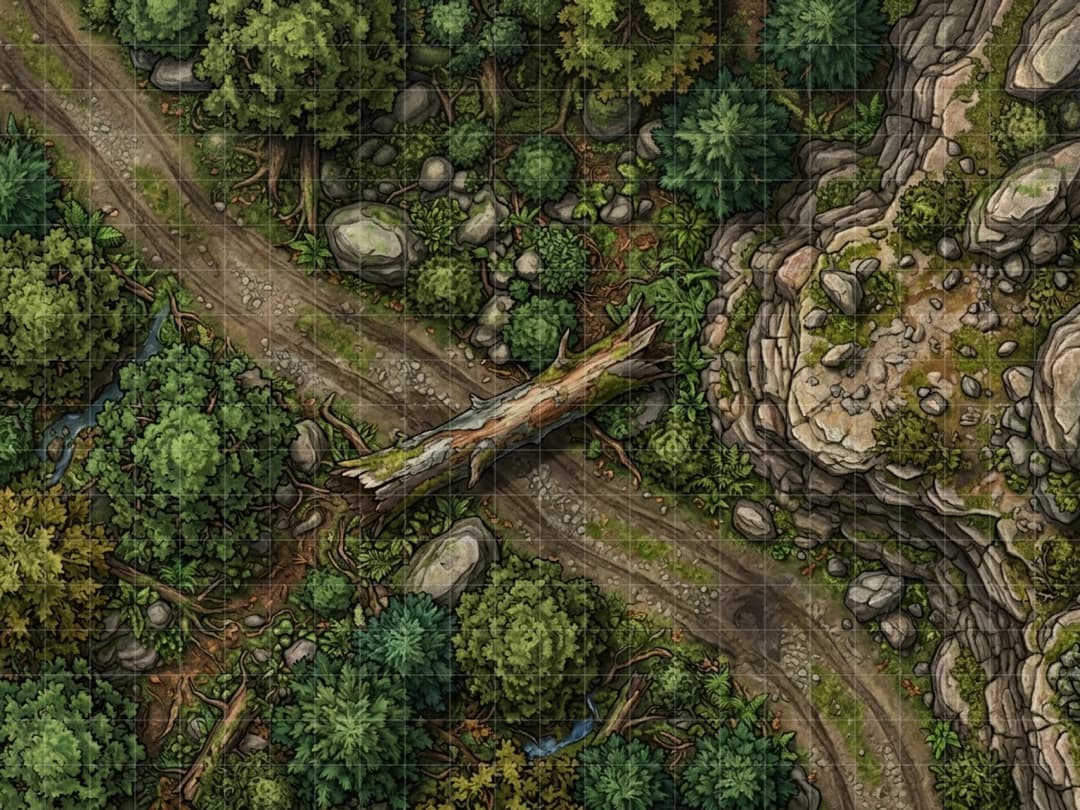
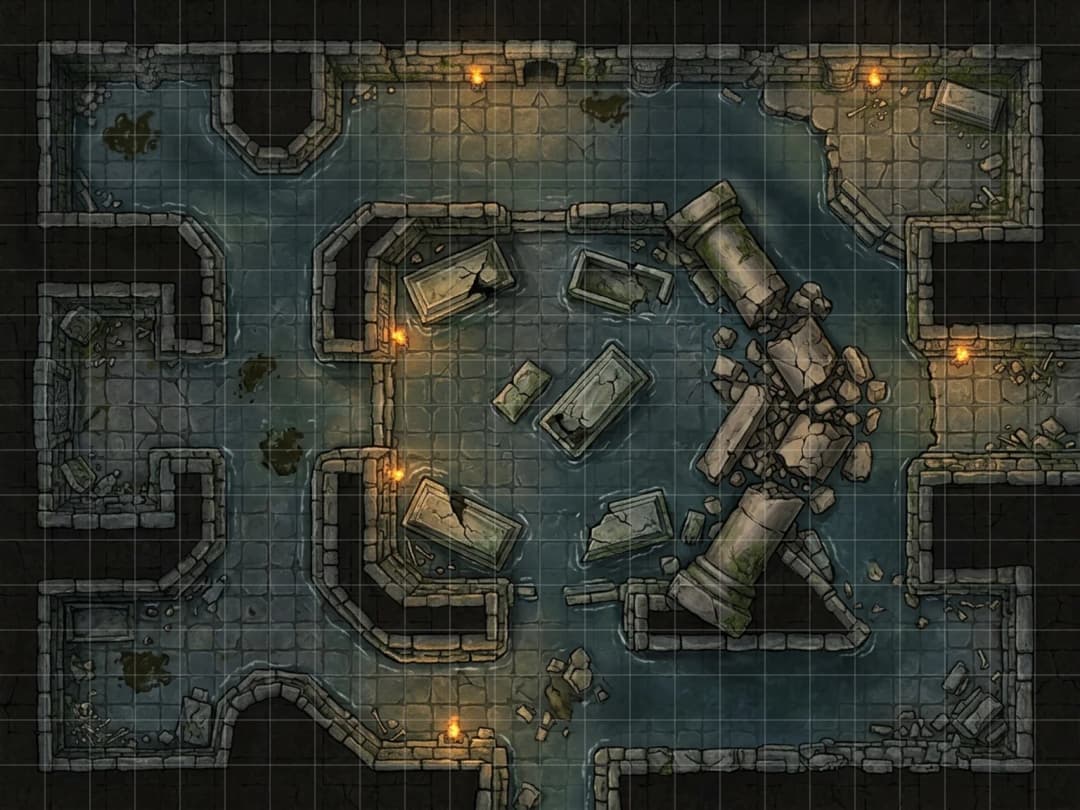
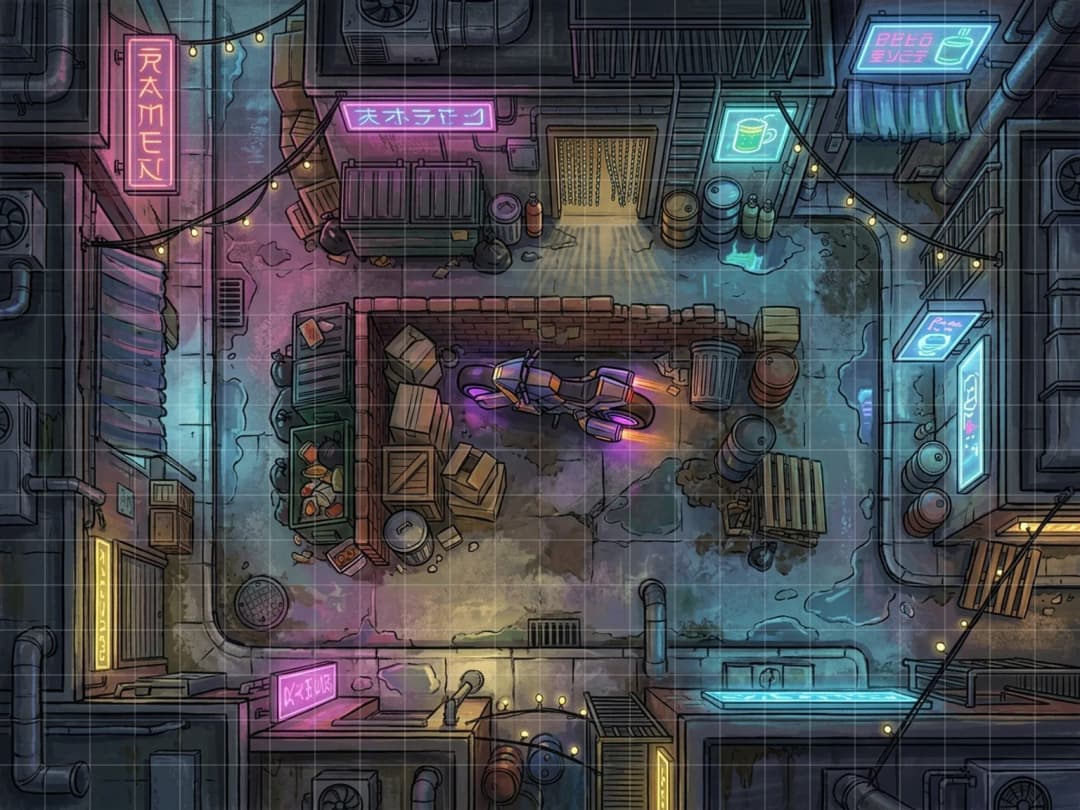
A good battle map does two jobs at once: it sets the scene and it gives the party something concrete to fight over, cover to duck behind, a chasm to leap, a collapsing floor to avoid. This generator builds a top-down map from a short description, with the grid already sized and aligned, so you can go from an idea to a playable scene in one step instead of stitching tiles together by hand.
Pick a setting, fantasy, dungeon, sci-fi, cyberpunk or modern, to steer the art direction, and set a grid size up to 60x45 squares for anything from a tight dungeon room to a sprawling town square or battlefield. Toggle grid lines on if you want them baked into the image itself, or off if your VTT draws its own grid and you just want the clean art. Image size ranges from 768 up to 1536 pixels wide depending on your tier, with the height always locked to a 4:3 ratio.
Every map exports as a PNG and a WebP copy, plus a .dd2vtt file, the Universal VTT format that Foundry and several other tools read natively, with the grid resolution and pixels-per-square values already embedded so nothing needs manual alignment on import. Each map costs 2 credits and renders at 1024x768 on a free account or 1536x1152 on Pro, is saved to your library, and maps made through your account are licensed for commercial use in a paid module, a monetized stream, or a store listing.
Pair a generated map with the NPC generator for the cast waiting inside it, or the encounter generator for a balanced fight to run on it.
Importing into Foundry: drag the downloaded .dd2vtt file into Foundry’s scene directory, or use the Universal VTT importer if your version has it enabled. The grid size and pixels-per-grid value are already embedded, so Foundry lines up the grid automatically. See the full walkthrough with screenshots in our Foundry import guide.
01
Describe the scene
A ruined shrine, a neon back-alley, a frozen cave, whatever your party is about to walk into.
02
Set the grid and size
Pick a setting, grid columns and rows, and whether the grid lines should be visible on the image itself.
03
Export and import
Download the PNG, WebP, or the .dd2vtt file, which already has the grid resolution baked in for Foundry.
Questions before you roll.
What image sizes and grid sizes are supported?
Maps export at 1024 or 1536 pixels wide depending on your tier, with the height fixed at a 4:3 ratio. Grid size defaults to 30x22 squares and can go up to a 60x45 cap, enough for most dungeon rooms, town squares and skirmish battlefields.
What file formats do I get?
A PNG and a WebP copy of the map image, plus a .dd2vtt file, the Universal VTT format that Foundry and several other tools read directly, with the grid resolution and pixel-per-square values already set so you do not have to align anything by hand.
Is the battle map generator free?
The battle map generator lives inside your Sprixen account. A free account starts with 6 credits and generates at 1024x768, and Pro raises that to 1536x1152 for $10 a month.
Can I use battle maps in a paid or published game?
Yes. Maps generated through your Sprixen account are licensed for commercial use, so they work for a paid module, a monetized stream, or a store listing.
How do I import a map into Foundry VTT?
Drag the .dd2vtt file into Foundry’s scene directory, or use the Universal VTT importer if your Foundry version has one enabled. Foundry reads the embedded grid size and pixels-per-grid value and creates a scene with the grid already lined up, so you do not need to nudge it manually. See our step-by-step Foundry import guide linked below for screenshots.
Related tools

Token Maker
Turn a portrait or a description into a clean, grid-ready VTT token in seconds.

Portrait Generator
Describe your character once and get a portrait and a matching VTT token together.

NPC Generator
Get a full NPC, personality, secret, stat block and art, from a one-line idea.

Encounter Generator
Set your party level and difficulty, get a balanced encounter with tactics and a twist.

Monster Maker
Describe a creature concept and get a full homebrew stat block, formatted and ready to run.
Want the whole table run by AI?
These tools come from the Sprixen AI Dungeon Master, which writes full adventures with NPCs, maps and turn-by-turn play. One account covers the tools and the Dungeon Master.