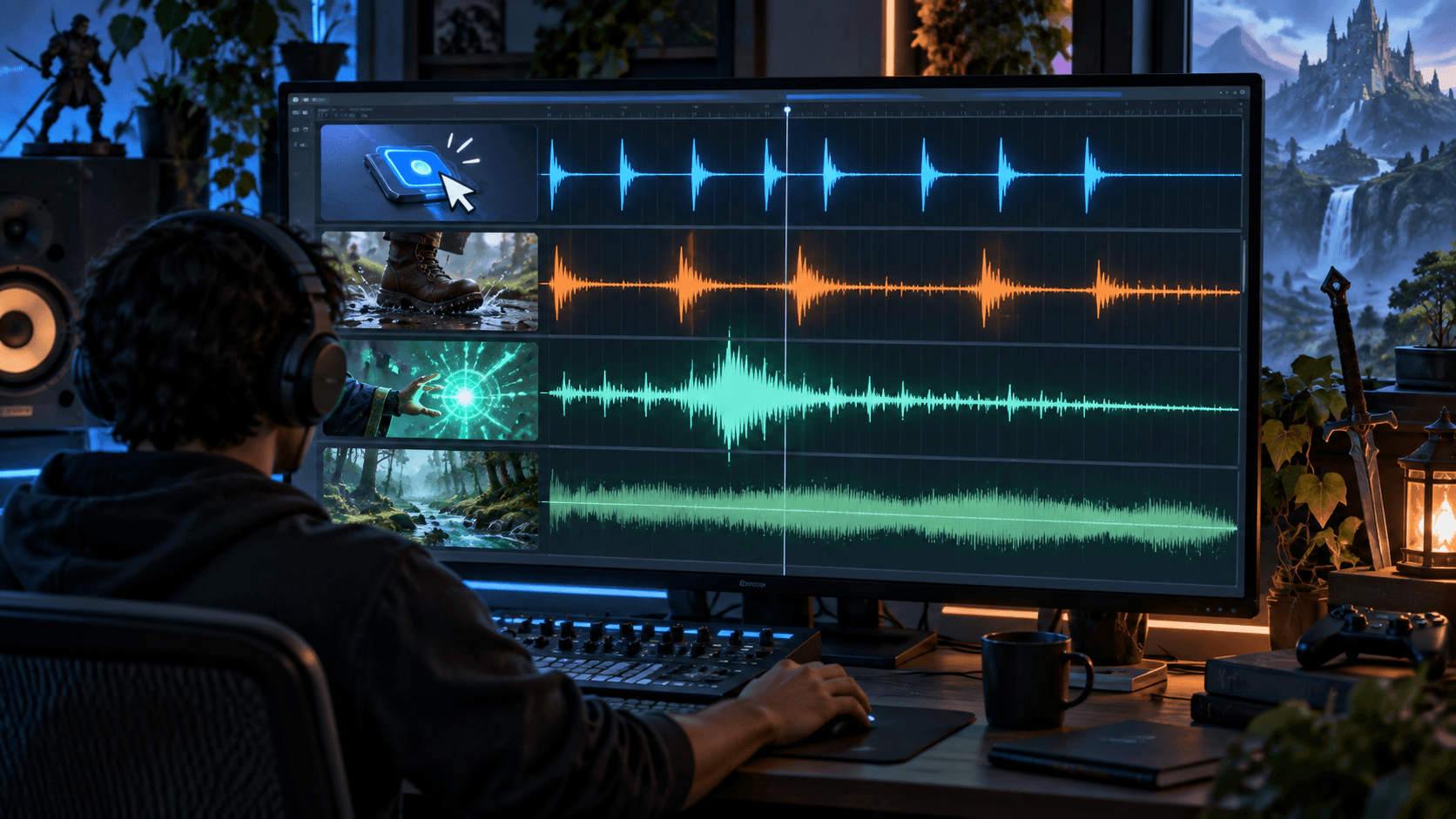
AI Sound Effects for Games: UI, Footsteps, Magic and Environmental Foley
How to use AI for useful game sound effects instead of a random folder of noises, with naming, variations, loudness, layers and engine-ready exports.
Game sound effects are judged in context. A sword whoosh that sounds impressive in isolation may be too long for a fast attack. A menu click can become exhausting after the hundredth repetition. AI is good at producing variations quickly, but useful SFX still needs a category, a gameplay event, a duration budget and a mix decision.
Design the sound event
Start with the event, not the noun. “Footstep” is incomplete. Ask: on what surface, at what speed, from what distance, and how often can it repeat? “Short leather boot step on wet stone, no music, close microphone, 180 ms, three variations with different transients” is a usable brief.
| Category | Useful constraints | Common mistake |
|---|---|---|
| UI | Short, consistent pitch family, low fatigue | Every button is a different dramatic sound |
| Footsteps | Surface, speed, variation and loop cadence | Four identical samples reveal the loop |
| Magic | Charge, action and decay layers | One long effect masks the gameplay timing |
| Environment | Continuous bed, density and distance | Loop is obvious or competes with dialogue |
Generate families, not singles
Ask for five to ten variations with the same brief and keep a family prefix: footstone_run_01, footstone_run_02. Variations should share loudness and duration so the game can choose among them without a visible volume jump. For magic, generate separate charge, release and tail layers when the event has those phases.
Keep the transient
The first 10 to 50 milliseconds often tell the player what happened. AI generations may begin with silence, an unrelated click or a soft swell. Trim dead air and protect the attack. For a UI sound, the attack may matter more than the tail. For a spell, the attack communicates the cast while the tail sells the fantasy.
Mix for the game, not the waveform editor
Check the sound under dialogue, music and combat noise. A sound that is exciting when soloed can be too loud in a busy scene. Normalize families together, leave headroom for simultaneous events and use the engine's mixer for context-specific volume. Do not master every file to the same perceived loudness if the gameplay hierarchy says some events should remain background.
Where Sprixen helps
Use Sprixen's Music Studio for longer musical beds and a structured prompt workflow for atmosphere. For SFX, the same principle applies: define the event and its constraints before generating. Keep the final trim, naming, loudness and license record in your audio project rather than relying on a chat transcript.
License and provenance
Check the current commercial-use terms of the model or service for every sound family. Save the generation date, provider, model, plan and prompt. If a sound becomes important to the product, consider commissioning or recording a replacement for a distinctive signature sound. Provenance matters more when the effect becomes part of your brand.
AI is most valuable for the unglamorous part of sound design: generating enough candidates to find the two that fit. The finished library should be organized around player events, not around whatever files the model happened to return.
Preview the effect before you commit to it.
Fire, ice, lightning and 37 more effect families, previewed live and exported as sprite sheets for Godot, Unity and Phaser or as a transparent WebM.
Related Articles
How to Make 3D Game Assets with AI: A 2026 Guide from Real Tests
How to make 3D game assets with AI: a style bible from one reference, library models vs custom generation, real sizes, rigging, GLB export and the pitfalls we hit.
How to Make a Game in the "omw" Style: The Dark Gothic Pixel RPG Look Explained
How the viral "omw" dark gothic pixel RPG look works: low-res 3D, a 16 color palette, dithering, fog, torch against moonlight, plus a Godot 4 setup you can copy.
How to Mod Games with AI Agents: A 2026 Guide for Claude Code and Codex
How to mod games with AI agents in 2026: what changed, the universal-modder workflow in Claude Code, art that matches the original game, and the legal lines to respect.