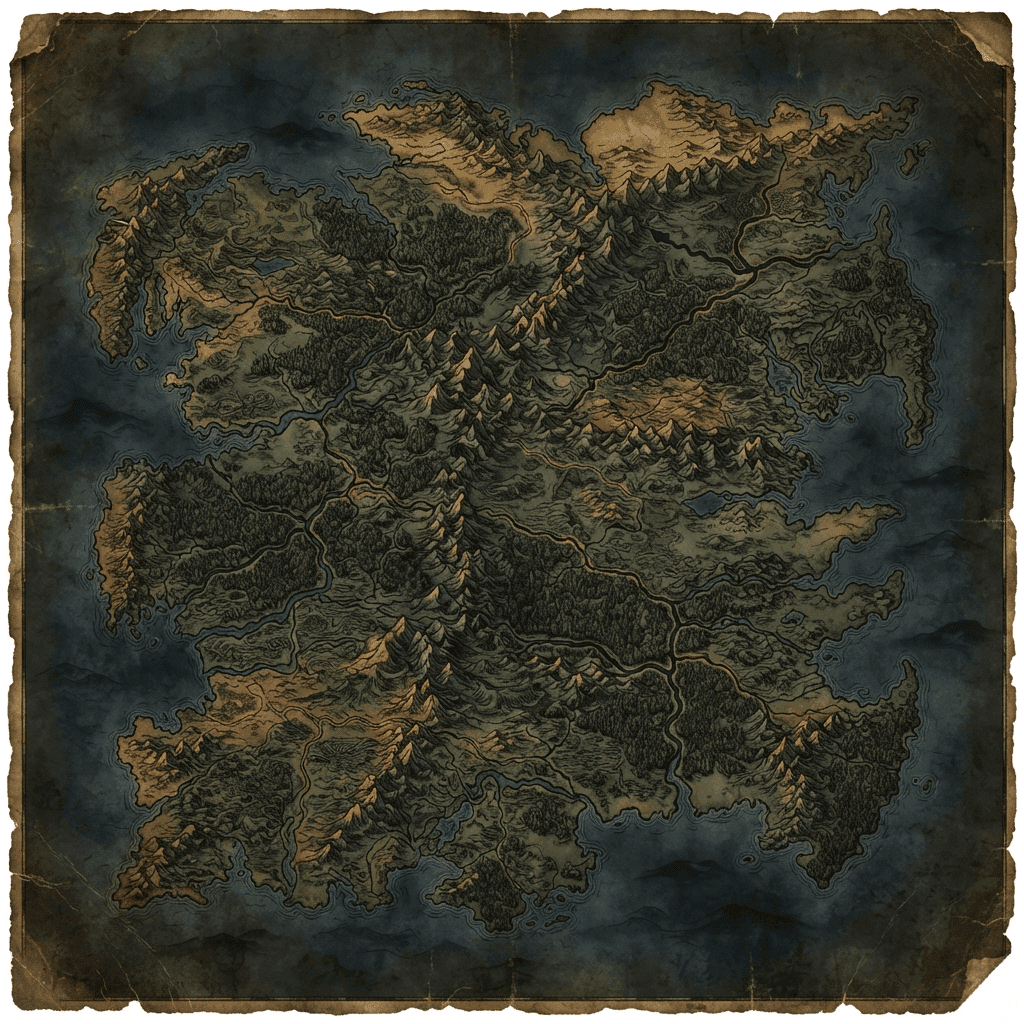
Best Fantasy Map Makers in 2026: World, Region and City Maps
Inkarnate, Wonderdraft, Azgaar's Fantasy Map Generator, Campaign Cartographer, Watabou's city and village generators, and Flowscape compared for building a campaign world map.
A fantasy world map is a different problem from a battle map. Instead of one room at a grid scale, you're placing continents, coastlines, kingdoms and trade routes at a scale a party might spend an entire campaign crossing. The tools built for this job trade tactical grid precision for cartographic style, procedural generation and the ability to zoom from a whole continent down to a single city.
TL;DR: Inkarnate is the most approachable all-rounder with a genuine free tier. Wonderdraft is the classic one-time-purchase choice for a painterly world map. Azgaar's Fantasy Map Generator is free, open source and the deepest procedural option if you're willing to learn its interface. Campaign Cartographer is the veteran professional tool. Watabou's generators are the fastest way to produce a single city or village. Flowscape makes beautiful landscape scenes but isn't really a cartography tool. Sprixen doesn't compete at this scale at all, its map generator works at the battle-map level, not the world level, and we say that plainly rather than stretching the comparison.
Quick Comparison Table
| Tool | Price | Best scale | Style | Learning curve |
|---|---|---|---|---|
| Inkarnate | Free (3 maps); Pro $5/mo or $25/yr | Region and world | Painted fantasy style | Low |
| Wonderdraft | $29.99 one-time | World and region | Classic fantasy-novel map style | Moderate |
| Azgaar's Fantasy Map Generator | Free, open source | World, with deep political and cultural detail | Procedural, highly customizable | High |
| Campaign Cartographer 3+ | Check profantasy.com for current pricing | World, region and city | Multiple styles via add-ons | High |
| Watabou's City/Village Generator | Free | Single city or village | Clean schematic top-down | Very low |
| Flowscape | $14.99 one-time | A single evocative scene, not a measured map | Painterly 3D diorama | Low |
1. Inkarnate
Inkarnate is the most common starting point for a first fantasy map, and for good reason: the free Hobby plan lets you build up to three maps with no credit card and export at 2K resolution, which is enough for most home campaigns. Pro, at $5/month or $25/year, removes the map cap, unlocks the full asset library, and raises exports up to roughly 8K resolution with a commercial license.
Strengths: genuinely free tier, works at every scale from a single tavern to a full world, large asset library.
Weaknesses: no procedural generation, three-map free cap forces an upgrade decision fairly quickly, no native VTT export.
Best for: most DMs building their first world map who want to see results within an hour.
2. Wonderdraft
Wonderdraft is a one-time $29.99 purchase and the tool most associated with the classic fantasy-novel map look: hand-drawn-style coastlines, mountain ranges and labeled kingdoms. Two optional art packs (Pirates and Fantasy buildings) extend the asset set for a few dollars more.
Strengths: distinctive, recognizable style, one-time cost with no subscription, strong community tutorial base.
Weaknesses: manual placement only, no procedural terrain generation, a real learning curve to get results that look as good as the tool's marketing screenshots.
Best for: DMs who want full manual control over a world map's look and don't mind the upfront learning investment.
3. Azgaar's Fantasy Map Generator
Azgaar's is a free, open-source, browser-based tool that goes further than any other option here: it procedurally generates continents, climate, rivers, cultures, states, religions and international relations in one pass, then lets you edit any of it by hand afterward, reshaping coastlines, redrawing borders, or rebuilding whole regions. Maps can be used freely, including commercially, and exported as PNG or JPEG at a custom resolution.
Strengths: completely free, unmatched depth for political and cultural worldbuilding, active ongoing development.
Weaknesses: the interface is dense and the learning curve is real; it looks more like a GIS tool than a drawing app until you learn where things are.
Best for: DMs who want a genuinely deep, simulated world rather than just a pretty picture, and don't mind investing an evening in learning the tool.
4. Campaign Cartographer 3+
Campaign Cartographer, from ProFantasy, is the longest-running professional map tool in the tabletop space, built as a core program with a large library of paid style and content add-ons sold separately. Because the total cost depends heavily on which map styles and annuals you buy into, check profantasy.com's current store pricing directly rather than trusting a fixed number.
Strengths: professional-grade output used by published cartographers, covers world, region and city scales in one ecosystem.
Weaknesses: the add-on model means the real cost of a specific look can add up, a steeper interface than newer web-based tools.
Best for: DMs or publishers who want a long-term professional cartography toolchain and are willing to invest in learning it properly.
5. Watabou's Medieval Fantasy City Generator and Village Generator
Watabou's generators are free, browser-based, and solve one job extremely well: a single settlement. The Medieval Fantasy City Generator produces a full street layout with walls, districts and named neighborhoods in seconds, with a warp tool to reshape the result. The Village Generator produces sparser, road-based rural layouts. Both allow copying, modifying and using the output commercially, and city maps export as JSON for use in a companion 3D viewer.
Strengths: instant results, genuinely free, no signup, exports for further use.
Weaknesses: single-settlement scope only, not a tool for the surrounding region or world.
Best for: the moment you need one city or village map right now and don't want to hand-draw streets.
6. Flowscape
Flowscape is a one-time $14.99 Steam purchase, but it's worth being clear about what it actually is: a 3D landscape and diorama painter, not a measured cartography tool. You paint trees, terrain and lighting into a scene and capture a screenshot, which produces beautiful, evocative overview art rather than a labeled, gridded map a party can navigate by.
Strengths: genuinely beautiful atmospheric output, fast and playful to use.
Weaknesses: not a real map (no scale, no labels, no navigable layout), a different tool category than everything else on this list.
Best for: a splash-screen image or a "here's what this valley looks like" handout, not the working campaign map itself.
Combining Tools by Zoom Level
The DMs who get the most out of this category rarely use one tool for everything. World-scale cartography, settlement layout and battle-scale mapping are different jobs with different software built for each, and switching tools at each zoom level usually beats forcing one program to do all three badly.
- Continent and region: Azgaar's for a deeply simulated political world, or Wonderdraft and Inkarnate for a more hand-styled, illustrative look. Pick based on whether you want procedural depth or manual artistic control.
- A specific city or village the party is about to enter: Watabou's generators produce a usable layout in seconds, free, which beats hand-drawing a street grid for a location the party might only visit once.
- An evocative overview image for a handout or a "you see this in the distance" moment: Flowscape, understanding that it's a mood piece rather than a navigable map.
- The room the fight actually happens in: a dedicated battle-map tool, not a world map generator zoomed in. See best D&D map makers in 2026 for that half of the pipeline.
A practical starting point for a new campaign: generate the world with Azgaar's or sketch it in Inkarnate, drop in one or two Watabou city layouts for the towns you already know the party will visit, and leave individual room-level battle maps for whichever tool from the battle-map comparison you prefer, generated as those encounters actually come up rather than all upfront.
Where Sprixen Fits (Honestly)
Sprixen's battle map generator works at the encounter scale: a single room, building or clearing with a grid, meant for a specific fight. It isn't built for continents, kingdoms or even a full dungeon layout, and we're not going to pretend it competes with Inkarnate or Azgaar's at the world-building scale. If you need the world map, use one of the tools above. If you then need a specific room mapped for tonight's fight, that's where a battle-map generator like Sprixen's or Dungeon Alchemist's takes over; see the full comparison in best D&D map makers in 2026.
Common Mistakes When Building a World Map
A few habits separate a world map that actually gets used at the table from one that sits unfinished in a project file.
- Mapping the whole continent before the first session. Players will only ever visit a fraction of what you draw in month one. Sketch the region around the starting location in detail and leave the rest as rough coastlines and a handful of named kingdoms until the campaign actually heads that direction.
- Skipping scale entirely. A map with no distance reference makes it impossible to answer "how many days does this journey take," which comes up constantly once travel matters to the plot. Even a rough scale bar saved later headaches on every map we tested.
- Over-labeling on the player-facing version. Keep a detailed DM copy with every secret location marked, and a cleaner, sparser version to actually hand to players or display on screen.
- Treating the world map and the battle map as the same problem. A gorgeous regional map tells players almost nothing about where the goblins are hiding inside a specific cave. Budget separate tool time for both scales rather than trying to zoom one map in far enough to double as the other.
FAQ
What's the best free fantasy map maker?
Azgaar's Fantasy Map Generator is free, open source and the most feature-complete option if you're willing to learn its interface. Inkarnate's free tier is the more approachable starting point for a first map.
Which tool should I use for a single city map?
Watabou's Medieval Fantasy City Generator produces a full city layout in seconds for free. Inkarnate and Campaign Cartographer both handle city scale too, with more manual art control.
Do any of these export directly to a VTT?
No, not at the world-map scale. World and region maps typically get exported as a flat image and used as a reference or a handout rather than imported grid-first into a VTT the way a battle map is.
Is Wonderdraft or Inkarnate the better choice for a first world map?
Inkarnate's free tier gets you a usable result faster with less of a learning curve. Wonderdraft's one-time cost and distinctive style suit someone planning to build several detailed maps and wanting to own the tool outright.
Can I use a battle map generator to build my world map?
Not really. Battle map tools like Sprixen's or Dungeondraft are built for a single room or encounter, not a continent. Use a dedicated world-scale tool from this list for the campaign map, and a battle-map tool for the individual encounters inside it.
How much of the world map should I finish before session one?
Less than most new DMs plan. Detail the region immediately around the starting location, name the handful of kingdoms or factions that matter to the opening arc, and leave the rest sketched or blank. Players rarely travel where you expect in the first few sessions, so detailed work on distant, unvisited regions is often wasted effort you could spend on the area they're actually in.
Sprixen doesn't compete at this scale, but if you need the room-scale side ready to go once the party arrives, Sprixen Drops ships a monthly VTT pack of battle maps, tokens, VFX and audio in one style.
Skip the prep. Grab this month's drop.
The Sunken Harbor drop ships 5 battle maps with day and night variants, 20 tokens, 6 animated effects and 3 ambient loops, all in one style, plus a free sample map to try before you sign up.
Related Articles
How to Make Custom Terraria Item and NPC Sprites with AI (tModLoader Guide)
Make Terraria mod sprites with AI: tModLoader texture naming, right-facing item art, vertical NPC sheets, frame counts and a full workflow.
Stardew Valley Mod Sprites with AI: Items, Portraits and NPC Sheets for Content Patcher
Make Stardew Valley mod art with AI: 16x32 NPC frames, 64x64 portraits, item sprite indexes and the Content Patcher Load and EditData setup.
Modding PC Games with Claude Code: Give Your Agent Consistent Sprites
Use universal-modder and Claude Code to mod games you own, and add the Sprixen MCP server so the agent gets one-style sprites and animation sheets.