FiveM MLO vs Script: What Each One Changes in a Server
MLOs and scripts solve different problems in FiveM. This guide explains interiors, gameplay logic, streaming, dependencies, performance and when to ship one or both.
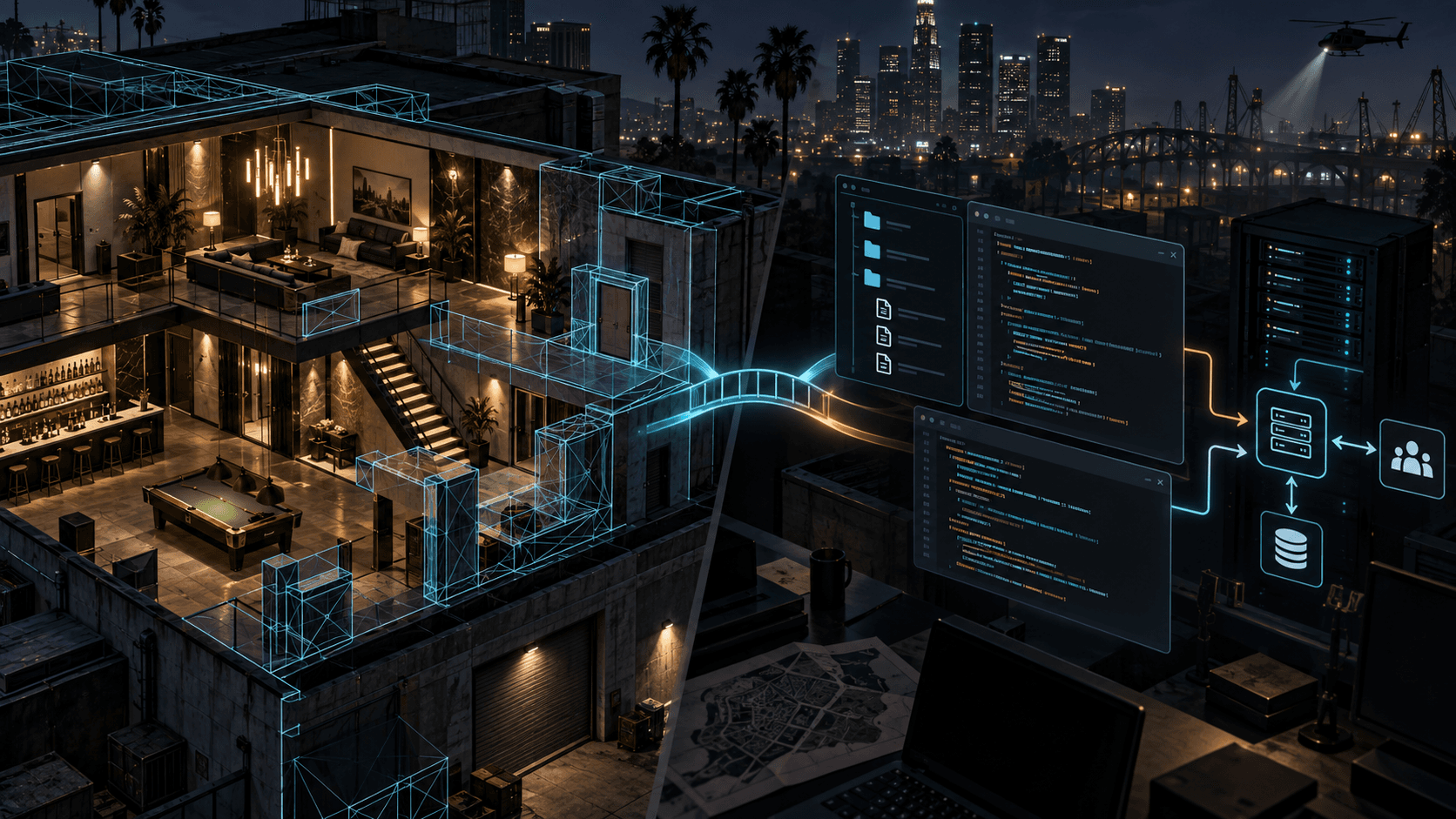
An MLO changes the world players walk through. A script changes what the world does. Confusing the two leads to bad purchase decisions and messy resources: a beautiful interior cannot create a job loop by itself, and a script cannot make an empty shell feel like a believable place without assets.
MLO in plain language
MLO is community shorthand for a custom interior or map asset used in FiveM. It can include geometry, collision, textures, portals, lighting and a set of files that stream into the game. An MLO gives players a place: a police station, clinic, nightclub, warehouse or apartment interior.
Script in plain language
A script is code, commonly Lua, that responds to events and controls behavior. It can create a job, open an inventory, charge money, spawn vehicles, show a UI, manage permissions or trigger an animation. It can use an MLO's coordinates, but the code and the interior are separate deliverables.
| Question | MLO | Script |
|---|---|---|
| Does it add geometry? | Yes | No, unless it spawns or manipulates entities |
| Does it add gameplay rules? | Usually no | Yes |
| Typical files | Streamed models, collision and textures | Manifest, client/server Lua, config and optional NUI |
| Typical failure | Missing textures, collision or bad streaming | Trust bugs, dependency mismatch or event errors |
Why an MLO can still feel empty
A map asset has no economy, permissions, interaction or roleplay loop unless a script connects it to those systems. You may walk into a beautiful garage and find that the doors, lifts and workstations are purely decorative. That is not necessarily a defect. It means the asset and the gameplay resource are different products.
Why a script can still look unfinished
A job script with a generic marker and a blank room may technically work, but players experience the context too. The best server resources join reliable code to a coherent visual environment: signage, props, interaction points and a UI that matches the server's identity. Sprixen's Mod Builder is useful when you need to develop those layers together, but test them as separate systems.
Performance and dependencies
For an MLO, check draw calls, collision, texture memory, portals and how the asset behaves with other map resources. For a script, check loop frequency, event volume, NUI updates and dependency startup order. A resource manifest should tell the server what it needs. FiveM's resource manifest documentation is the reference for declaring those relationships.
Which should you buy or build first?
- Players already have a gameplay loop but no memorable location: start with an MLO.
- The map exists but players have nothing to do there: start with a script.
- You are launching a new roleplay business: design the location and interaction contract together, then ship the MLO and script as a tested pair.
- You are selling a resource: document exactly what is included, what is not, dependencies and performance expectations.
Think of the MLO as stage design and the script as the production running on that stage. The most convincing FiveM servers need both, but they should remain separable enough to update, debug and support.
Make game art that stays in one style.
Generate sprites, animations, tiles and effects that share one locked style per project, in the web app or straight from Claude Code and Cursor. 6 free credits on signup, no credit card required.
Related Articles
How to Create FiveM Scripts with AI: Lua, NUI & Framework Guide
Step-by-step guide to generating Lua scripts for FiveM servers using AI. Covers resource structure, client/server events, NUI interfaces, QBCore vs ESX, and best practices.
How to Make 3D Game Assets with AI: A 2026 Guide from Real Tests
How to make 3D game assets with AI: a style bible from one reference, library models vs custom generation, real sizes, rigging, GLB export and the pitfalls we hit.
How to Make a Game in the "omw" Style: The Dark Gothic Pixel RPG Look Explained
How the viral "omw" dark gothic pixel RPG look works: low-res 3D, a 16 color palette, dithering, fog, torch against moonlight, plus a Godot 4 setup you can copy.