Roblox UGC Layered Clothing Textures: What You Actually Need
A production checklist for Roblox layered clothing: mesh, texture, attachments, cages, PBR maps, validation and the differences from classic shirts and pants.
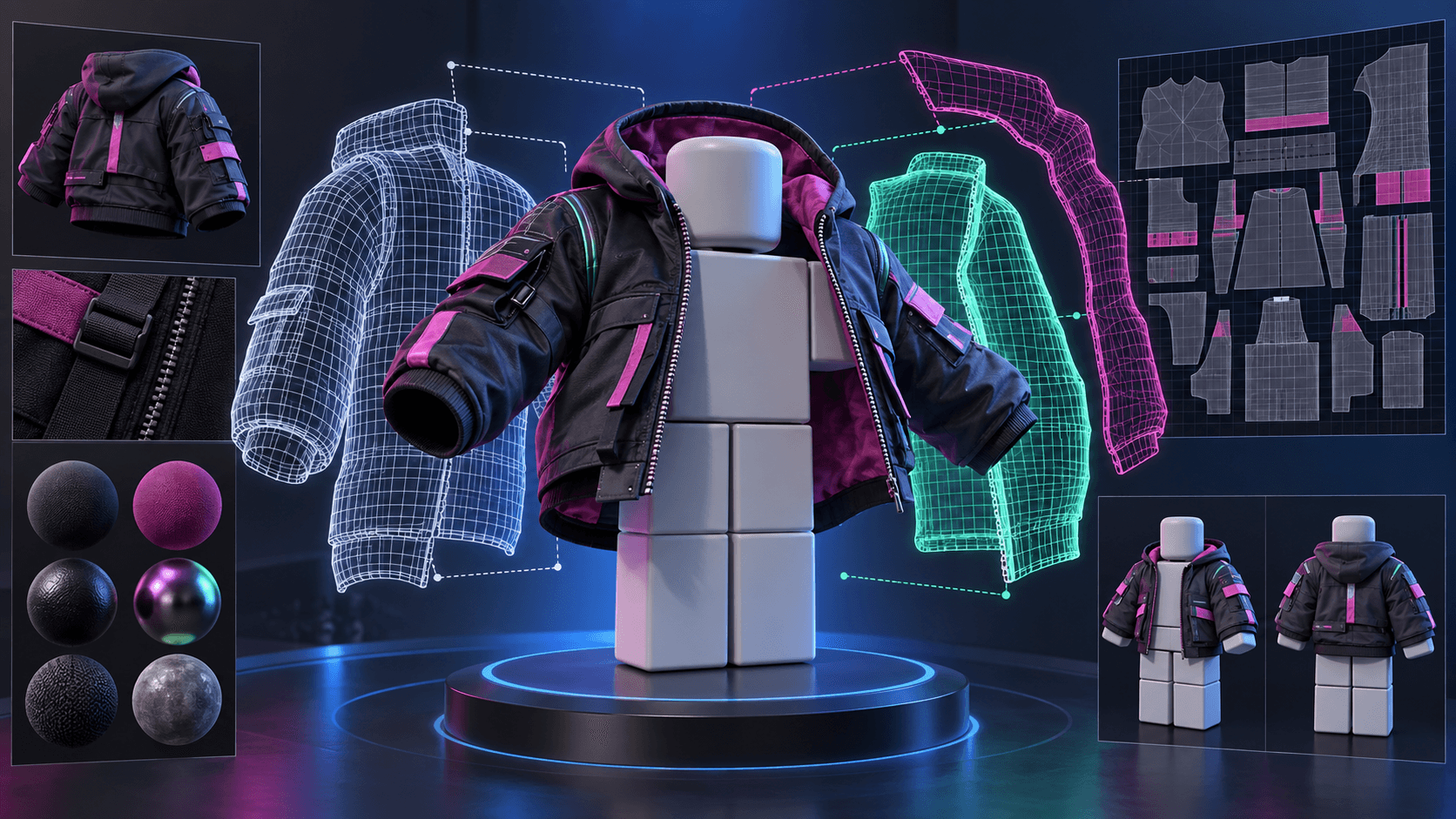
Layered clothing is not a larger classic shirt. It is a 3D asset that has to deform around Roblox avatars and coexist with other clothing. A good texture cannot rescue a bad cage, and a clean mesh cannot rescue an asset whose attachments or topology are wrong. This guide focuses on the files and checks that matter before you spend time on polish.
The minimum asset package
A layered clothing item normally includes a 3D mesh, a texture and the Roblox-specific attachment and cage data that let the item fit different body shapes. Depending on the asset and the current creator requirements, you may also work with PBR maps such as normal, roughness or metalness. The current clothing specifications are the authority: Roblox clothing specifications.
| Part | Job | Common failure |
|---|---|---|
| Mesh | Defines silhouette and deformation | Thin areas collapse or intersect the avatar |
| Texture | Defines color, pattern and material detail | Stretched UVs, seams or detail too small to read |
| Attachments | Place the item relative to the avatar | Item floats, rotates or sits at the wrong height |
| Inner and outer cages | Control how the item wraps and layers | Clipping, gaps or impossible fits on body shapes |
| Optional PBR maps | Add material response | Overly glossy fabric or noisy compression |
Texture resolution is not the whole quality story
Roblox documentation allows textures up to 2048 pixels on a side for relevant clothing workflows, but maximum resolution is not a production plan. A clean 1024 texture with sensible UVs often looks better than a noisy 2048 texture with details that disappear on a moving avatar. Put large color blocks and distinctive trim in the areas players see from the camera. Use small texture detail only where it survives distance and lighting.
Why AI texture generation needs supervision
AI is useful for material ideation: waxed canvas, worn leather, embroidered guild trim, or a coherent palette for a full collection. It is unreliable at exact UV continuity, repeated patterns and readable logos. Generate a material board or a flat reference, then paint or project the final texture onto the UV layout in a 3D tool.
Use a checkerboard and a seam color while testing. If a red line on the flat UV jumps across the avatar, the problem is mapping, not the texture model. Remove the diagnostic layer only after the mesh passes deformation tests.
Validation order
- Check the mesh normals and scale.
- Check attachments on the reference R15 body.
- Test the inner and outer cages on more than one body shape.
- Run animation poses that compress shoulders, elbows, knees and hips.
- Check texture seams and material response under different lighting.
- Test the combined item with other layered clothing.
- Only then prepare the thumbnail, description and marketplace submission.
Classic versus layered clothing
Choose classic clothing when the design can live as a flat surface painted on the body and you want the lowest barrier to production. Choose layered clothing when silhouette, thickness and overlap are part of the design. The second option has more expressive range and more ways to fail. It is not automatically more valuable to players.
Policy and publishing are part of the asset
UGC publishing involves more than a working file. Account eligibility, identity or subscription requirements, upload and publishing fees, moderation and intellectual property rules can affect whether the item reaches the Marketplace. Review Roblox Marketplace policy immediately before submission. Do not build a business case around a fee or eligibility rule remembered from an old tutorial.
The practical lesson is simple: make AI responsible for exploration, not for the final contract. The final layered clothing item must be a valid 3D asset, with tested cages and attachments, a texture that reads on the avatar, and a publishing path you have verified against current Roblox rules.
For the rest of the game's visuals, the Roblox Creator Pack generates a matching icon, thumbnail, UI kit and VFX in one pass.
Make game art that stays in one style.
Generate sprites, animations, tiles and effects that share one locked style per project, in the web app or straight from Claude Code and Cursor. 6 free credits on signup, no credit card required.
Related Articles
How to Make 3D Game Assets with AI: A 2026 Guide from Real Tests
How to make 3D game assets with AI: a style bible from one reference, library models vs custom generation, real sizes, rigging, GLB export and the pitfalls we hit.
How to Make a Game in the "omw" Style: The Dark Gothic Pixel RPG Look Explained
How the viral "omw" dark gothic pixel RPG look works: low-res 3D, a 16 color palette, dithering, fog, torch against moonlight, plus a Godot 4 setup you can copy.
How to Mod Games with AI Agents: A 2026 Guide for Claude Code and Codex
How to mod games with AI agents in 2026: what changed, the universal-modder workflow in Claude Code, art that matches the original game, and the legal lines to respect.