D&D Battle Map Size and Grid Guide (Foundry, Roll20, Print)
Grid math, pixel sizes, and print resolution for D&D battle maps across Foundry VTT, Roll20, Fantasy Grounds, and Owlbear Rodeo, with a worked file size example.
Every battle map decision comes down to one number: how many pixels represent one 5 foot square. Get that number right and the map imports cleanly into Foundry or Roll20, prints at a legible size, and doesn't produce a file so large it stalls your browser tab. Get it wrong and you're resizing a map at the last minute before a session. This guide walks through grid math for every major platform, plus print sizing and the newer universal export formats.
The 5 foot grid square
D&D 5e assumes one grid square equals 5 feet, roughly the space a Medium creature needs to fight in. Every map size and every pixel per square number in this guide builds on that single assumption. If your table plays a system with a different scale, the pixel math still works; just adjust which real world distance one square represents.
Common battle map sizes
Map size is usually described in grid squares wide by grid squares tall, and the right size depends on the encounter, not on some universal standard.
| Map size (squares) | Real world area | Good for |
|---|---|---|
| 20 by 15 | 100 by 75 feet | A single room, a tavern, a small clearing, a boss arena |
| 30 by 22 | 150 by 110 feet | A dungeon level, a courtyard, a mid size battle with room to maneuver |
| 40 by 30 | 200 by 150 feet | A full battlefield, a siege, a large outdoor set piece |
Pixels per grid square by platform
Once you know the map size in squares, multiply by the platform's pixels per square value to get the final image dimensions.
| Platform | Pixels per square | Notes |
|---|---|---|
| Foundry VTT | 100, default and adjustable per scene | New scenes default to a 100 pixel grid; you can change it per scene in Scene Configuration. |
| Roll20 | 70, fixed | The grid has always been 70 pixels per square; size art in multiples of 70 to avoid distortion. |
| Fantasy Grounds | 50, community standard | Not enforced by the software, but 50 pixels per square keeps map file sizes and screen space manageable. |
| Owlbear Rodeo | No fixed value, you align the grid to the map | Import at a generous resolution and drag the grid overlay to fit; high source resolution carries no penalty. |
Foundry's 100 pixel default is documented in its own Scenes guide. Roll20's fixed 70 pixel grid is confirmed on the platform's own community forums and hasn't changed since the early days of the product. Fantasy Grounds doesn't publish an official number, but 50 pixels per square is the convention used across most community map packs for that platform.
Worked example: the file size math
Take a 30 by 22 square map for Foundry at the default 100 pixels per square. That's 3000 by 2200 pixels, a 6.6 megapixel image. At that resolution:
- PNG, lossless: typically 8 to 20 megabytes for a detailed painted map, depending on color complexity.
- WebP, high quality lossy: usually a quarter to a third of the PNG size with very little visible difference.
- JPG, lossy: smallest, but can show compression artifacts around fine details like text or thin lines, and it doesn't support transparency.
For the same map on Roll20 at 70 pixels per square, you'd only need 2100 by 1540 pixels, a noticeably smaller file for the exact same physical area. This is why a map built for one platform often needs to be resized rather than reused as is on another.
Printing a battle map
The standard convention for print is 1 inch of paper equals one grid square, which at 300 DPI, a good quality print resolution, works out to 300 by 300 pixels per square. A 20 by 15 square map at that resolution needs a 6000 by 4500 pixel source image, far larger than what you'd need for screen use.
For anything bigger than a single sheet, you'll need to tile the print across multiple pages:
- Letter paper, 8.5 by 11 inches: about 8 usable grid squares wide per page after margins.
- A4, roughly 8.3 by 11.7 inches: similar capacity to letter, slightly taller.
- A3, roughly 11.7 by 16.5 inches: close to double the area of A4, useful for cutting the number of tiled pages in half.
Most map making tools that support print export handle the tiling and add small overlap marks so you can line the pages up and tape them together.
Aligning a map to the grid
In Foundry, open Scene Configuration after uploading a background image, then use the grid controls to set the grid size in pixels and nudge the grid offset until the lines match the map's own artwork. In Roll20, drag the map onto the tabletop, then use the grid tool to scale it, matching Roll20's fixed 70 pixel squares to whatever the map artist intended.
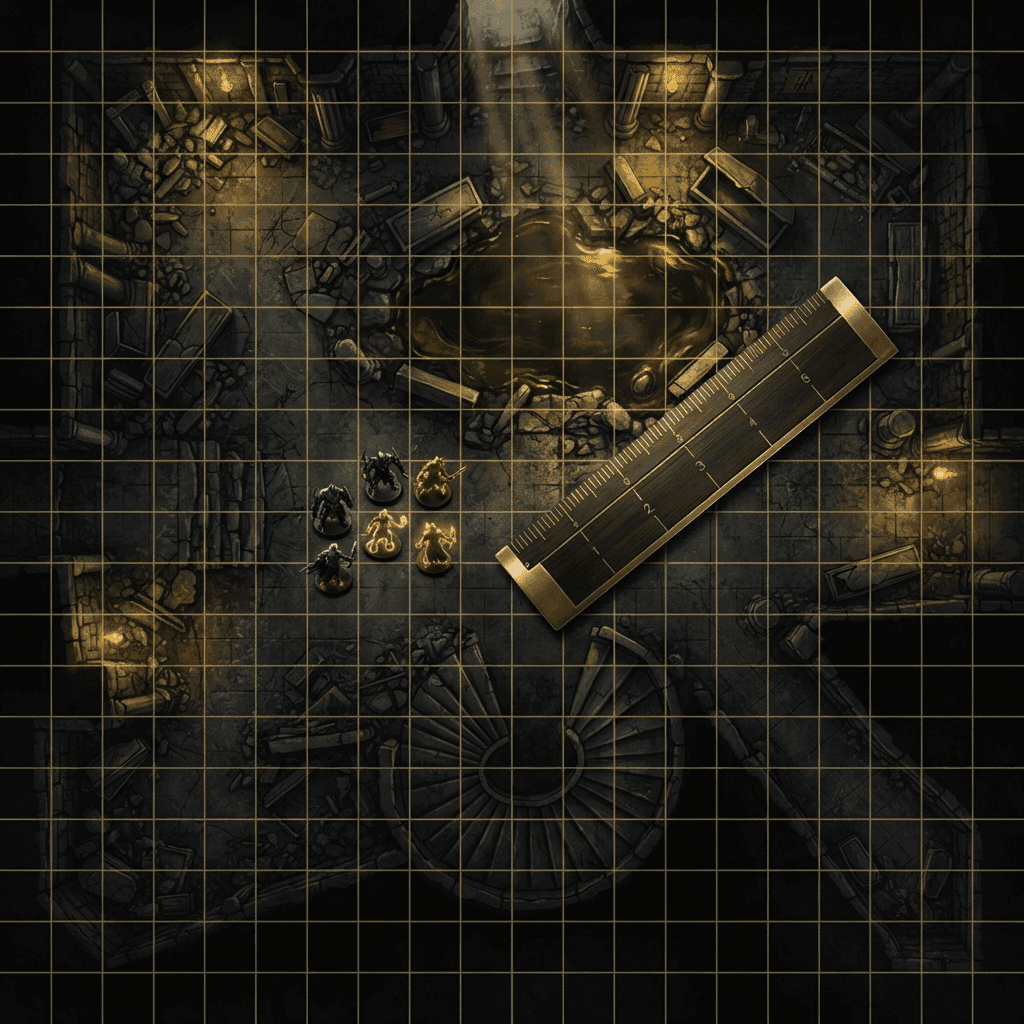
A map that was generated or drawn with the grid baked into the artwork removes this step entirely, since the image already carries visible grid lines you can match against the platform's own grid overlay.
Gridless maps
Not every scene needs a grid. Theater of the mind combat, narrative travel scenes, and some sci-fi corridor maps read better without grid lines cluttering the art. Foundry and Owlbear Rodeo both support gridless scenes where movement is measured freehand rather than square by square. Distance still matters for spell ranges and movement even without a grid, so most tables agree on a ruler measurement, such as one inch equals five feet, rather than removing distance tracking entirely.
The Universal VTT format
A newer standard, commonly saved with a .dd2vtt, .df2vtt, or .uvtt extension, bundles the map image together with grid size, wall data, and lighting in a single file that a VTT can import directly instead of you rebuilding the grid and walls by hand. It's worth understanding before you commit to a map making workflow. The full walkthrough, including what the format actually contains and how to import it into Foundry, lives in this companion guide.
Matching resolution to your table's setup
A map built at maximum resolution for every platform isn't automatically better. Higher resolution means a bigger file for every player to download before a session starts, and on a slow connection or an older laptop, that translates into a scene that takes longer to load or stutters when someone pans the map. If your table plays over a shared screen or a projector, you rarely need more resolution than that display can actually show. If players each load the scene independently in Foundry or Roll20, keep the total file size reasonable rather than defaulting to the largest export a tool offers.
A practical rule: build to the platform's expected pixels per square, don't multiply it just because a source image happens to be available at a higher resolution. A 30 by 22 map at 100 pixels per square for Foundry is already sharp on any normal monitor; doubling that to 200 pixels per square mostly adds load time without a visible improvement during play.
Linking multiple maps for one location
A single battle map rarely covers an entire dungeon or a whole town. Most VTTs handle this by treating each room, floor, or district as its own scene, connected by a door or a marked exit that teleports tokens between scenes when the party moves through it. Foundry handles this with journal notes that link to other scenes and, in recent versions, region behaviors that can teleport tokens; Roll20 handles it with separate pages and manual token movement between them. Plan your map sizes around single encounters or single connected spaces rather than trying to fit an entire dungeon onto one oversized image, which usually ends up too small to read clearly at the table anyway.
Common resizing mistakes
The most frequent problem when moving a map between platforms is resizing by a percentage instead of recalculating the grid. If a map was built for Foundry at 100 pixels per square and you shrink the whole image by 30 percent to fit a smaller display, the grid no longer lines up with either platform's expected pixel value, and every token ends up slightly off the actual squares. Always resize by recalculating from the target platform's pixels-per-square value and the map's grid count in squares, not by an arbitrary percentage that happened to look right on your screen.
Generating a map with the right grid built in
Sprixen's free battle map generator lets you choose the grid size before generating, and export either with the grid baked directly into the image, useful for print or for platforms without a flexible grid tool, or as a clean image plus a separate .dd2vtt file carrying the grid data, better for Foundry, where you want the grid overlay to stay adjustable rather than burned into the art. Pick a baked in grid for anything you plan to print, and separate grid data for anything you're importing into a VTT that reads Universal VTT files.
For a broader look at map making tools beyond a single generator, see the best D&D map makers comparison, and if you're building a whole world rather than a single battle map, the fantasy map makers roundup covers that use case specifically.
FAQ
How many pixels is one D&D grid square?
It depends on the platform. Foundry VTT defaults to 100 pixels per square, Roll20 is fixed at 70 pixels per square, and Fantasy Grounds commonly uses 50 pixels per square by convention. Owlbear Rodeo has no fixed value, since you align the grid to whatever resolution your map already has.
What size should a D&D battle map be?
Most single encounter maps fall between 20 by 15 and 30 by 22 grid squares. Smaller than that feels cramped for a party of four or five, and much larger than 40 by 30 usually means splitting the encounter across multiple linked maps instead.
Should I use PNG, WebP, or JPG for a battle map?
PNG for maximum compatibility and quality, WebP when file size matters and your platform supports it well, and JPG only for very large printed maps where transparency isn't needed and file size is a real constraint.
What resolution do I need to print a battle map?
Print at 300 DPI with 1 inch representing one grid square, which works out to 300 by 300 pixels per square. Anything larger than one sheet of paper needs to be tiled across multiple pages.
Do I need a grid on my battle map at all?
No. Gridless maps work well for theater of the mind play and some narrative scenes. Most VTTs support gridless scenes, but your table should still agree on a distance measurement for spells and movement.
If you'd rather start from a map that already has the grid and walls baked in, Sprixen Drops ships grid-ready battle maps as part of its monthly VTT pack.
Skip the prep. Grab this month's drop.
The Sunken Harbor drop ships 5 battle maps with day and night variants, 20 tokens, 6 animated effects and 3 ambient loops, all in one style, plus a free sample map to try before you sign up.
Related Articles
The Best Animated Battle Map Tools in 2026: A Practical Comparison
Animated maps are useful when motion communicates gameplay. Here is how Foundry, Roll20, Owlbear, Czepeku, Dungeon Alchemist and Sprixen compare on format, setup and table performance.
How to Import the Same Battle Map into Roll20, Foundry and Owlbear Rodeo
A VTT-neutral workflow for sizing, aligning and testing one battle map across Roll20, Foundry VTT and Owlbear Rodeo without rebuilding the art three times.
7 Best D&D Map Makers in 2026 (Battle Maps and Dungeons Compared)
Dungeon Alchemist, Inkarnate, Dungeondraft, Dungeon Scrawl, Wonderdraft, Arkenforge and Sprixen's free battle map generator compared on price, map type, VTT export and learning curve.