8 Best D&D Token Makers in 2026 (Free and VTT-Ready)
Token Stamp 2, Foundry's built-in token tools, Roll20, GM Craft Tavern, Hero Forge and Sprixen's free token maker compared, plus the exact token sizes each VTT expects.
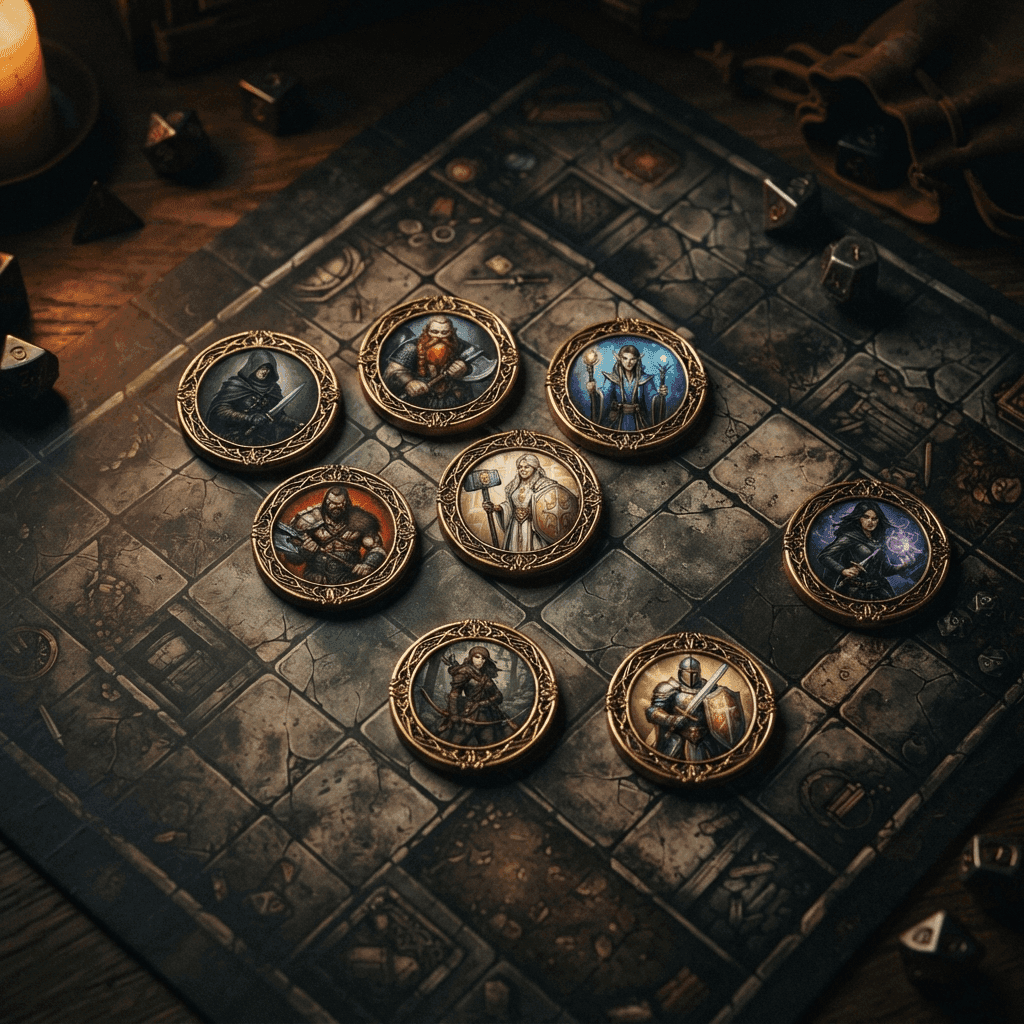
A token is a small piece of art, usually a circle, that represents a character or creature on a VTT's grid. It's a different asset than a portrait: a portrait is meant to be looked at up close, a token is meant to survive being shrunk down to a few dozen pixels and still read clearly at a glance across a busy battle map. We tested the main free and paid token-making tools on borders, export sizes, formats and how well they fit into an actual Foundry or Roll20 workflow.
TL;DR: Token Stamp 2 has been the free default for years and still earns that reputation. Foundry and Roll20 both handle placing and configuring a token but neither generates the artwork itself. GM Craft Tavern's suite covers animated tokens for free. Hero Forge and Dungeon Alchemist aren't really token tools even though people sometimes reach for them. Sprixen's free token maker covers both an uploaded portrait and a text-prompt-generated one, at the exact resolutions most VTTs expect.
Quick Comparison Table
| Tool | Price | Input | Border options | Export |
|---|---|---|---|---|
| Token Stamp 2 (RollAdvantage) | Free | Upload your own image | Solid color borders, PSD overlay masking | WebP, PNG, JPEG, GIF, TIFF; Foundry module available |
| Foundry VTT (built in) | Included with Foundry ($50 one-time) | Upload your own image | System-dependent (e.g., dnd5e dynamic token rings) | No art generation; placement and config only |
| Roll20 (built in) | Free platform; paid marketplace frame packs | Upload your own image | Marketplace "Token Maker's Toolkit" (400+ frames, paid) | No native free token art generator |
| GM Craft Tavern | Free, no signup | Upload a photo, portrait or short video clip | 200+ fantasy/sci-fi/horror border frames | PNG/WebP 512 to 2048px; animated WEBM/GIF |
| Hero Forge | Free to design; paid physical minis | Build a 3D miniature | None (not a token tool) | No dedicated token export; manual screenshot only |
| CharGen | Free tier; check site for paid tiers | Text prompt | Style-dependent frame in the generated art | Downloadable portrait and token images |
| Sprixen | Free tool | Upload an image or generate from a text prompt | Multiple fantasy border styles | PNG or WebP at 256, 512 or 1024px |
1. Token Stamp 2 (RollAdvantage)
Token Stamp 2 is the answer most experienced DMs give when someone asks how to make a quick token, and it earns that reputation by staying simple. Drag an image onto the canvas, pick a border color and style, and export. It supports several export formats (WebP, PNG, JPEG, GIF, TIFF) plus PSD overlay masking for custom shapes, and it has a Foundry VTT module that embeds the tool directly inside an actor's configuration panel.
Strengths: completely free, no account, embedded Foundry module, format flexibility.
Weaknesses: you still need source art from somewhere else; it doesn't generate a portrait for you.
Best for: anyone who already has character or monster art and just needs a fast, reliable border and export.
2. Foundry VTT's built-in token tools
Foundry's Token Configuration panel lets you set the art, size, vision range and (depending on the game system) a border ring color for any actor. The dnd5e system, for example, adds dynamic token rings for status effects. Foundry handles placement and configuration only; you still need a separate token maker or portrait tool to produce the actual artwork.
Strengths: deep configuration once you have the art, tightly integrated with combat and vision mechanics.
Weaknesses: zero art generation; you need a separate token maker or portrait generator first.
Best for: the last step in the pipeline, after your token art already exists.
3. Roll20 (built in)
Roll20 itself doesn't ship a free built-in token art generator. The marketplace sells a "Token Maker's Toolkit" asset pack with over 400 frames and 100+ backings for building custom tokens inside Roll20's editor, but that's a paid add-on for frames, not a way to generate the character art itself. Most Roll20 users rely on an external free tool like Token Stamp 2 or GM Craft Tavern to make the actual token image, then upload it.
Strengths: native to the platform you're already playing in, marketplace frames if you want more variety.
Weaknesses: no free built-in art generation, the useful frame pack is a paid purchase.
Best for: Roll20 tables who are fine paying for the marketplace pack, or pairing Roll20 with a free external token tool.
4. GM Craft Tavern
GM Craft Tavern runs a six-tool free suite: a circular token maker, a top-down token generator, an animated token maker, a paper mini maker, a border generator and an image converter, none of which require signup. The standout is animated token support: upload a short video clip, choose from 200+ animated border frames, and export as WEBM or GIF, with a static PNG fallback generated automatically for VTTs that don't support animation.
Strengths: genuinely free with no account, the largest border library of the free tools here, unique animated token feature.
Weaknesses: like Token Stamp 2, you still need source art or video to feed it.
Best for: DMs who want an animated token for a boss fight or a memorable NPC, not just a static circle.
5. Hero Forge and Dungeon Alchemist
Both of these tools come up in token discussions because they're popular D&D visual tools, but neither is really built for VTT tokens. Hero Forge is a 3D miniature designer aimed at physical prints; its render view can be screenshotted for a homemade token, but there's no dedicated export sized or shaped for a VTT grid. Dungeon Alchemist focuses on map scenery and asset placement rather than character tokens. If a search result recommends either of these as a "token maker," treat that as a workaround rather than the tool's actual purpose.
6. CharGen
CharGen generates a portrait, full-body illustration and a VTT token from the same text prompt, which means the token and the sheet art the player is holding actually match. It's free at the entry tier; check the site for current pricing on anything beyond that.
Strengths: token generated from the same source as the portrait, no separate cropping step.
Weaknesses: less control over border style compared to a dedicated token tool like Token Stamp 2.
Best for: generating a new character's token and portrait together in one pass.
7. Sprixen Token Maker
Sprixen's free D&D token maker covers both directions: upload an existing portrait and it crops and borders it into a token, or describe a character or monster and it generates the art and the token together. Exports come out at 256, 512 or 1024px in PNG or WebP, which covers everything from a quick Roll20 upload to a sharp Foundry token at 4x oversampling. For the full character-and-portrait pipeline this token maker plugs into, see AI D&D character art prompts and styles that actually work.
Strengths: works from either an upload or a prompt, resolution options match real VTT requirements, free.
Weaknesses: fewer decorative border styles than GM Craft Tavern's 200+ frame library.
Best for: generating a brand-new character or monster token from a description, without needing source art first.
8. Foundry and Roll20 community token packs
Beyond the tools above, both Foundry's package browser and Roll20's marketplace host third-party token packs and frame sets, some free, many paid, covering specific themes (undead, fey, elemental) that a generic border tool won't match. Worth checking if you need a large, thematically consistent batch rather than one-off tokens.
Token Sizes by VTT
Getting the pixel size right matters more than it sounds like it should, a token that's too small looks blurry once placed, one that's unnecessarily huge just wastes bandwidth and load time.
| VTT | Grid square | Recommended Medium (1x1) token art |
|---|---|---|
| Foundry VTT | 100px per cell (default) | ~400x400px (4x oversampling for retina sharpness) |
| Roll20 | 70px per cell (default) | ~280x280px (4x oversampling) |
| Fantasy Grounds Unity | Scales art automatically to the actor's size category | ~150x150px is a safe middle ground across different map grid sizes |
Larger creatures scale up from there: a Large creature generally needs a 2x2 grid area, so roughly double the linear pixel dimensions of a Medium token, and Huge or Gargantuan creatures scale further still. See the D&D battle map size and grid guide for the full size chart across creature categories.
A Simple Token Workflow
- Decide whether you have source art already (upload path) or need art generated (prompt path).
- Generate or crop to a tight head-and-shoulders or top-down framing, not a full-body portrait crop.
- Add a border that matches your table's visual theme, or skip it for a borderless top-down token if that's your VTT's convention.
- Export at the resolution your VTT actually needs (see the table above) rather than the largest size available by default.
- Import and confirm the grid size scales correctly before your next session, not mid-combat.
For the full import steps once your token is exported, see how to make D&D tokens for Foundry and Roll20.
Are Animated Tokens Worth the Effort?
Animated tokens (a short looping video clip instead of a static image) have gotten easier to make, mainly thanks to free tools like GM Craft Tavern's animated token maker, but they're not free of tradeoffs. A subtle idle animation, a flickering torch glow on a fire elemental, a slow breathing motion on a sleeping dragon, reads as a nice touch without pulling attention away from the map. A constantly looping, high-motion animation on every single token in a busy combat can get genuinely distracting, and it costs more file size and load time per token than a static PNG.
A reasonable middle ground: reserve animated tokens for a handful of memorable NPCs or bosses rather than the entire monster roster. A goblin that looks exactly like the other five goblins doesn't need its own animation; the BBEG the party has been chasing for six sessions is a better place to spend that extra effort. Also confirm your VTT actually renders animated tokens before building a whole set, some setups fall back to a static first frame, which is why GM Craft Tavern generates that fallback automatically.
FAQ
What's the best free D&D token maker?
Token Stamp 2 remains the most established free option if you already have source art. GM Craft Tavern adds animated tokens for free. Sprixen's token maker is the option if you need the character art generated, not just bordered.
What size should a Foundry VTT token be?
Foundry's default grid is 100px per cell, and the community standard is 4x oversampling, so a Medium creature token should be roughly 400x400px for sharp rendering on high-resolution displays.
What size should a Roll20 token be?
Roll20's default grid is 70px per cell. A Medium token at 280x280px (4x oversampling) renders sharply at that default zoom.
Can Hero Forge make VTT tokens?
Not directly. Hero Forge is built for 3D-printed physical miniatures. You can screenshot the render and crop it into a token manually, but there's no dedicated VTT token export.
Do I need a border on my tokens?
It's a style choice. Bordered circular tokens are the most common convention in Roll20 and older Foundry setups; borderless top-down tokens are common in more modern, grid-realistic map styles. Match whatever the rest of your table's tokens already use.
If you'd rather skip generating tokens one at a time, Sprixen Drops includes 20 ready-made tokens in every monthly VTT pack, matched to that month's maps.
Skip the prep. Grab this month's drop.
The Sunken Harbor drop ships 5 battle maps with day and night variants, 20 tokens, 6 animated effects and 3 ambient loops, all in one style, plus a free sample map to try before you sign up.
Related Articles
The Best Animated Battle Map Tools in 2026: A Practical Comparison
Animated maps are useful when motion communicates gameplay. Here is how Foundry, Roll20, Owlbear, Czepeku, Dungeon Alchemist and Sprixen compare on format, setup and table performance.
How to Import the Same Battle Map into Roll20, Foundry and Owlbear Rodeo
A VTT-neutral workflow for sizing, aligning and testing one battle map across Roll20, Foundry VTT and Owlbear Rodeo without rebuilding the art three times.
7 Best D&D Map Makers in 2026 (Battle Maps and Dungeons Compared)
Dungeon Alchemist, Inkarnate, Dungeondraft, Dungeon Scrawl, Wonderdraft, Arkenforge and Sprixen's free battle map generator compared on price, map type, VTT export and learning curve.